

Your own number, answering at 3 a.m.
Not a new number nobody has. The WhatsApp Business number your customers already message — answering the questions you answer every day, in the words you already use.
The same day, twice
Four moments from an ordinary day on a business WhatsApp — and where each one ends up.
What it handles on your number
WhatsApp has no comments to catch, so all of this happens inside the chat itself.
The everyday questions
Price, delivery, hours, location, whether you have it in blue. Written once by you, sent instantly at any hour — including the hours you are asleep.
The ones you didn't write
With the AI add-on it answers from your own notes rather than from the internet. If your notes don't cover it, it says so and hands over instead of inventing an answer.
Knowing when to stop
A conversation that needs a person becomes yours, with everything said so far attached — and it stops after ten AI answers in one chat rather than looping.
Pick the business that looks like yours
The same number, three very different kinds of day.
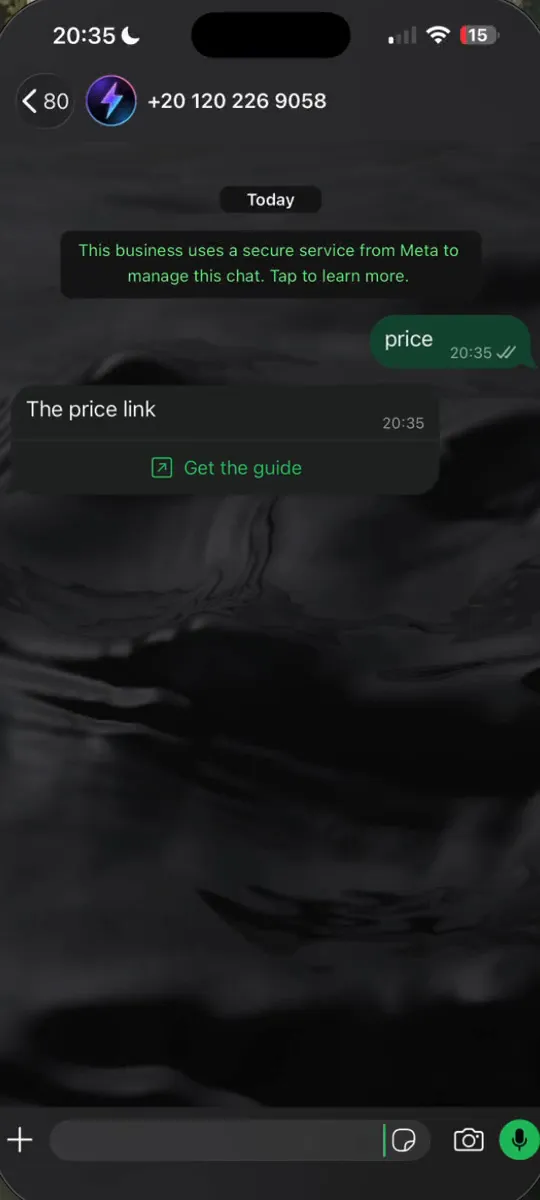
A customer opens a chat with your own business number.
 Added to Google Calendar

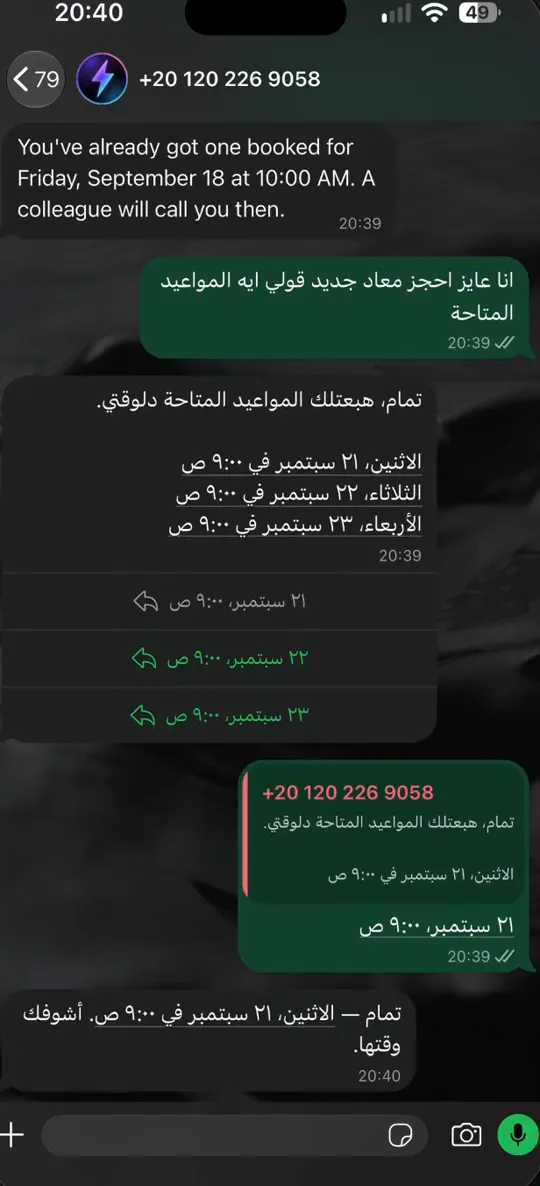
A customer asks to book, on your own WhatsApp number.

A keyword in, your link back — as a button
A customer sends the word from your ad or your bio. Your answer arrives on your own number, with the link to your store as a button inside the chat.
- Your greeting and a short menu the moment they write
- Up to three buttons instead of “reply 1, 2 or 3”
- Connect Shopify, EasyOrders or Vondera and it answers with your real prices
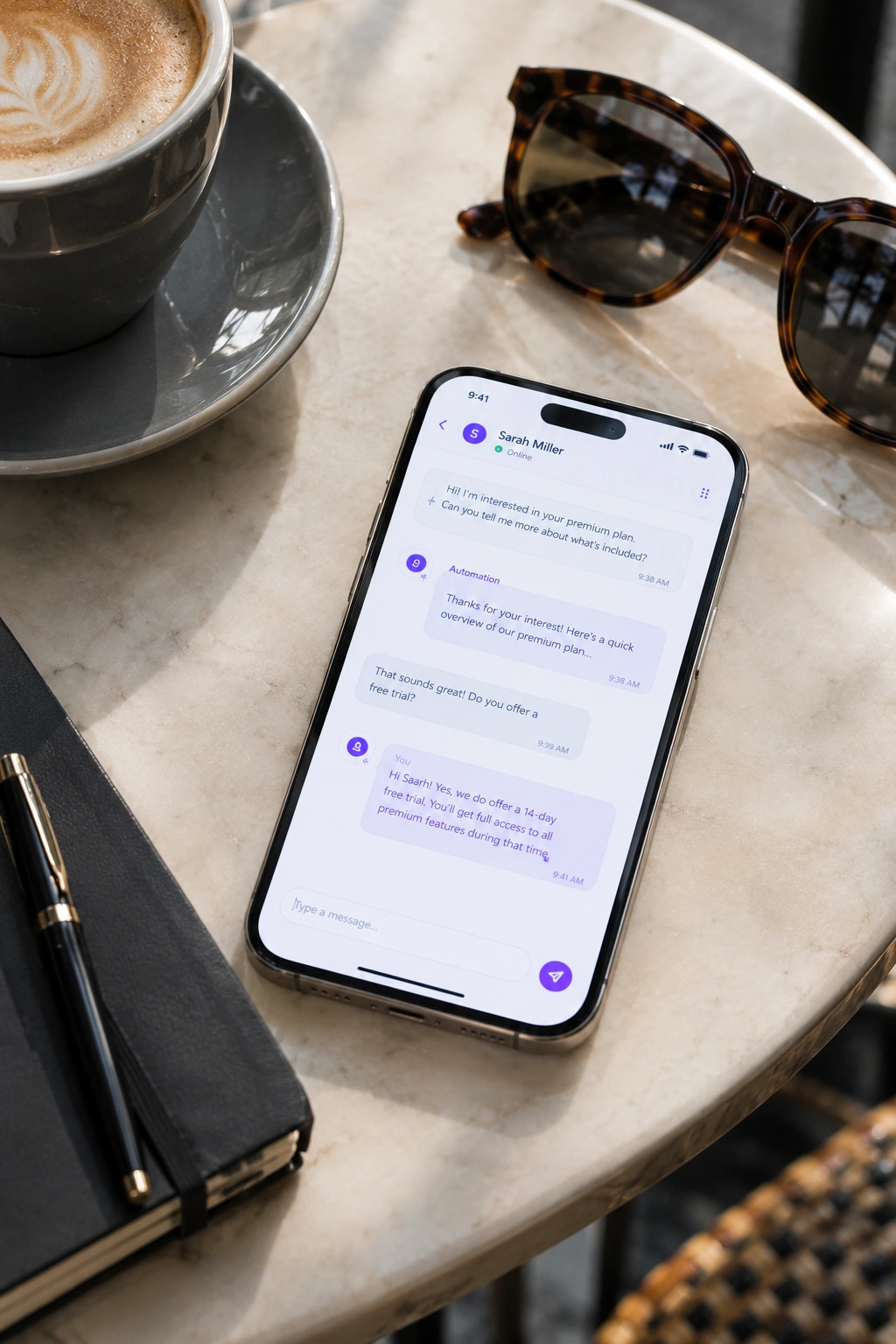
How one conversation runs
From their first message to either an answer or you, whichever is right.
- A customer messages your business number and gets a greeting and a short menu straight away — no grey ticks sitting unread.
- They ask, or tap. If a rule you wrote covers it, your answer goes out word for word, in seconds.
- If it doesn't and you have the AI on, it answers from your notes — and only from your notes.
- However many messages go back and forth, that person counts once against your plan this month — every conversation with them after that is included.
- Anything it cannot answer comes to you, marked, with the conversation attached so you are not reading from the top.
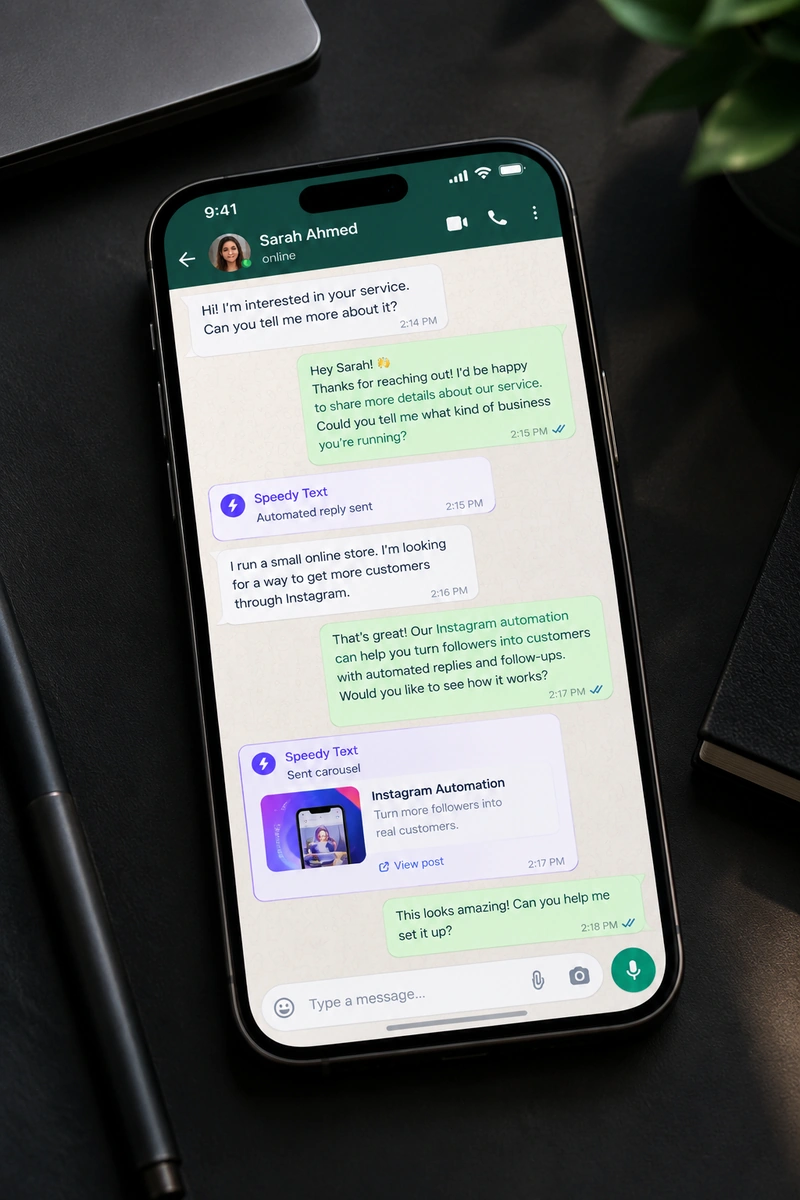
What WhatsApp asks for first
Meta's requirements, not ours — said here rather than after you sign up.
- A WhatsApp Business number. Already answering on it in the WhatsApp Business app? Connect it as it is and keep the app — or use a number that has never been on WhatsApp.
- A Meta Business account, and a display name Meta approves for that number.
- You connect it through Meta's own window, which opens over ours. We never see or ask for your password.
- WhatsApp works on every plan, the free one included.
Keep your number — or start a fresh one
WhatsApp lets a business connect in two ways. Both get everything Speedy Text does — the rules, the AI, orders and bookings. What changes is where you can still answer from.
The number your customers already have
Nothing moves. Your number stays in the WhatsApp Business app on your phone, Speedy Text answers alongside you, and whatever you type on the phone shows up in your inbox here — so nobody gets answered twice.
Best when your number is already on every bag, card and ad.
- Same number, same chats, same app in your pocket
- Your replies from the phone land in the shared inbox
- Connected in minutes, inside Meta's own window
It needs the WhatsApp Business app (not ordinary WhatsApp), kept up to date. Groups and broadcast lists stay on your phone.
A line that does nothing but answer
A number that lives in the cloud instead of on a phone — a new SIM or a landline that isn't on WhatsApp yet. Your whole team answers from one inbox, and it never goes flat, gets lost or gets left at home.
Best for busy shops, teams, and anyone done with business chats on a personal phone.
- No phone at all — nothing to charge, lose or hand over
- The whole team works one shared inbox
- Room for real volume as you grow
That number can't be open in a WhatsApp app at the same time, and Meta approves the name your customers see.
The rules of a real number — including the costs
WhatsApp is the strictest of the chat apps, and the most worth understanding, because its rules decide what you pay and what you can send.
- Keep the app on your phone — if you want to
- A number you already run in the WhatsApp Business app connects as it is: the app keeps working, you can still answer from your phone, and whatever you type there shows up in your inbox here too. The ordinary WhatsApp app cannot be connected — move the number to WhatsApp Business first. A number that has never been on WhatsApp works as well, and is then answered only from here.
- Replies inside 24 hours are free
- WhatsApp charges for messages a business starts, not for answers to a customer who wrote first — and answering is all the automation does, however many people write in. The one exception is yours to switch on: a “your order has shipped” notice sent after the 24 hours have passed goes out as a WhatsApp-approved utility message, which Meta bills to your own WhatsApp account at its utility rate.
- After 24 hours of silence, it is their move
- The window closes and nothing more can be sent until they write again — the shipping notice above is the only thing that can still go out, and only if you turned it on. That is a limit on chasing people, and a reasonable one: the entire value here is answering somebody while they are still asking.
- No comments to watch — it is all inbox
- There are no public posts on WhatsApp, so nothing to reply to underneath. Everything happens in a one-to-one chat: your greeting, your buttons, your answers, and the handover to you. It is the quietest of the channels and usually the one with the highest intent.
A salesperson on your own number
An auto-reply sends one message to everyone. This answers what the person actually asked — from your stock, your calendar and your notes — on the number your customers already have saved.
 Shopify
 EasyOrdersGoogle Calendar
- 1
Real prices, or none
It quotes what is in your store today. A reply containing a figure you never wrote is thrown away before anyone sees it.
- 2
The order, taken in the chat
They say what they want; it confirms the items and the address and takes the order — cash on delivery with EasyOrders or Vondera, or your checkout with Shopify.
- 3
Bookings in your real calendar
It reads your Google Calendar's free time, so it never offers an hour you're already busy.
- 4
The shipped notice, from you
When the order leaves, the customer hears it from your number — even after the 24-hour window, once Meta approves the message.
Your number stays yours
A Tech Provider for the WhatsApp Business Platform
Your number connects the official way, through Meta itself — not a copycat app or a modified WhatsApp that could get it banned. Speedy Text has completed business verification and app review from Meta. We use the Cloud API, hosted by Meta, to connect WhatsApp Business phone numbers.
Keep the Business app
A number you already run in WhatsApp Business connects as it is. Answer from your phone whenever you like.
Never your password
You connect inside Meta's own window, which opens over ours. We never see a password.
Off in one click
Pause a rule or disconnect the number from your dashboard. Nothing keeps running behind your back.
What people ask before connecting
Straight answers, including the ones about money.
Can I keep using WhatsApp on my phone?
Yes, if the number is on the WhatsApp Business app: it connects as it is, the app keeps working, and what you type there shows in your inbox here. The ordinary WhatsApp app can't be connected — move the number to WhatsApp Business first.
What does WhatsApp charge for this?
Answering a customer who wrote to you is free from WhatsApp, and answering is all the automation does. The one exception is yours to switch on: a shipped notice sent after 24 hours, which Meta bills to your own WhatsApp account at its utility rate.
Which plan do I need?
WhatsApp works on every plan, the free one included. Connect your number and your first 25 people are answered free; move up when you need more people, a team or the AI.
Can it send offers to all my customers?
No. It answers people who write to you; the only message it ever starts is the optional shipped notice. If you want to message a whole list, Telegram's broadcasts do that.
What do I need from Meta?
A Meta Business account and a display name Meta approves for the number. You connect through Meta's own window, in a few minutes.
Will it sound like a bot?
The words are yours. You write the greeting, the menu and the answers, and the AI answers from your own notes. Your customers hear your shop, not a template.
What happens when it doesn't know the answer?
It doesn't guess. It tells the customer it will check and hands the chat to you, and the answer you give is added to your notes for the next person.
Does it reply in Arabic?
The AI answers in the language the customer wrote in — Arabic, English, French, Spanish and more — from notes you wrote once. Rules reach them in their language too — Arabic, English or Spanish — with your prices and links exactly as you wrote them.
Same answers, every app
Connect the others and they share your rules, your notes and one inbox.



Your number, answering tonight.
Start free today, WhatsApp included — and answering your customers costs nothing from WhatsApp.