

Your Page comments, answered in Messenger
Facebook is where the older, warmer audience still asks in public — and where a comment left waiting is read by everyone else scrolling past it.
The same Page, twice
Four things that happen on a busy Facebook Page — and where each one ends up.
Both halves of a Facebook Page
The comments under your posts, and the Messenger chats they turn into.
Comments on your Page posts
A keyword in a comment gets a public reply underneath and your link sent privately — the same rule you wrote for Instagram, running here too.
Messenger conversations
A greeting and a menu the moment somebody opens a chat, then your answers to the questions you get every week, at whatever hour they arrive.
Handover that actually happens
When a conversation needs you it stops being automated and becomes yours, with what was said already attached — not a bot insisting it can help.
Pick the Page that looks like yours
The same Messenger, three very different businesses.
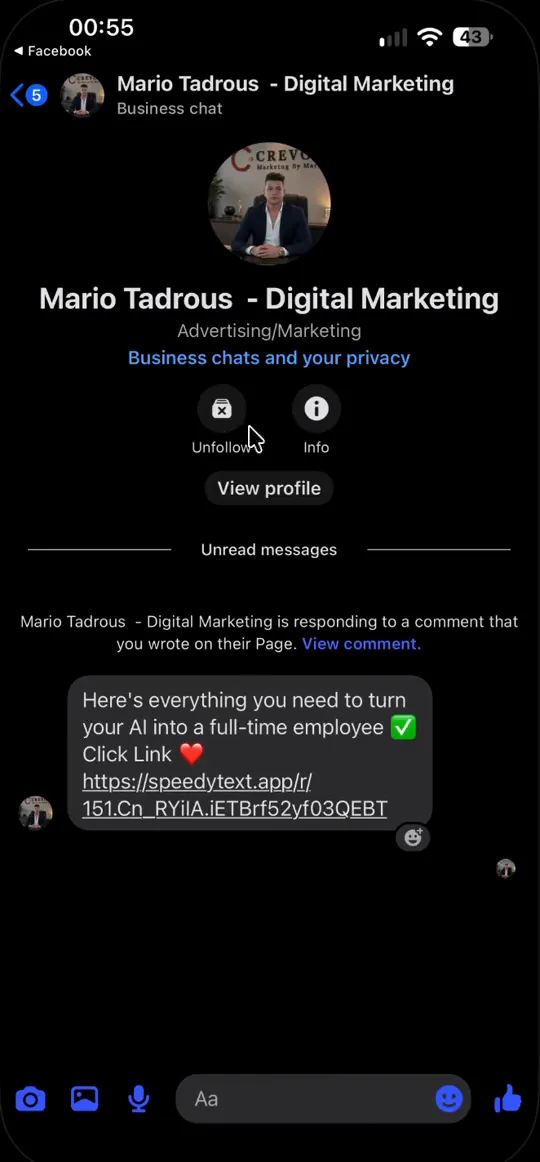
She types your keyword — no app to download, no link in bio to find.


A comment on the post, the link in Messenger
Someone types your keyword under a Page post. The thread shows a public reply, and your link arrives in Messenger from your Page — no app to install, nothing to search for.
- One rule for the comment and the chat it becomes
- Up to three buttons, or a row of quick replies
- Connect Shopify or EasyOrders and it answers with your real prices
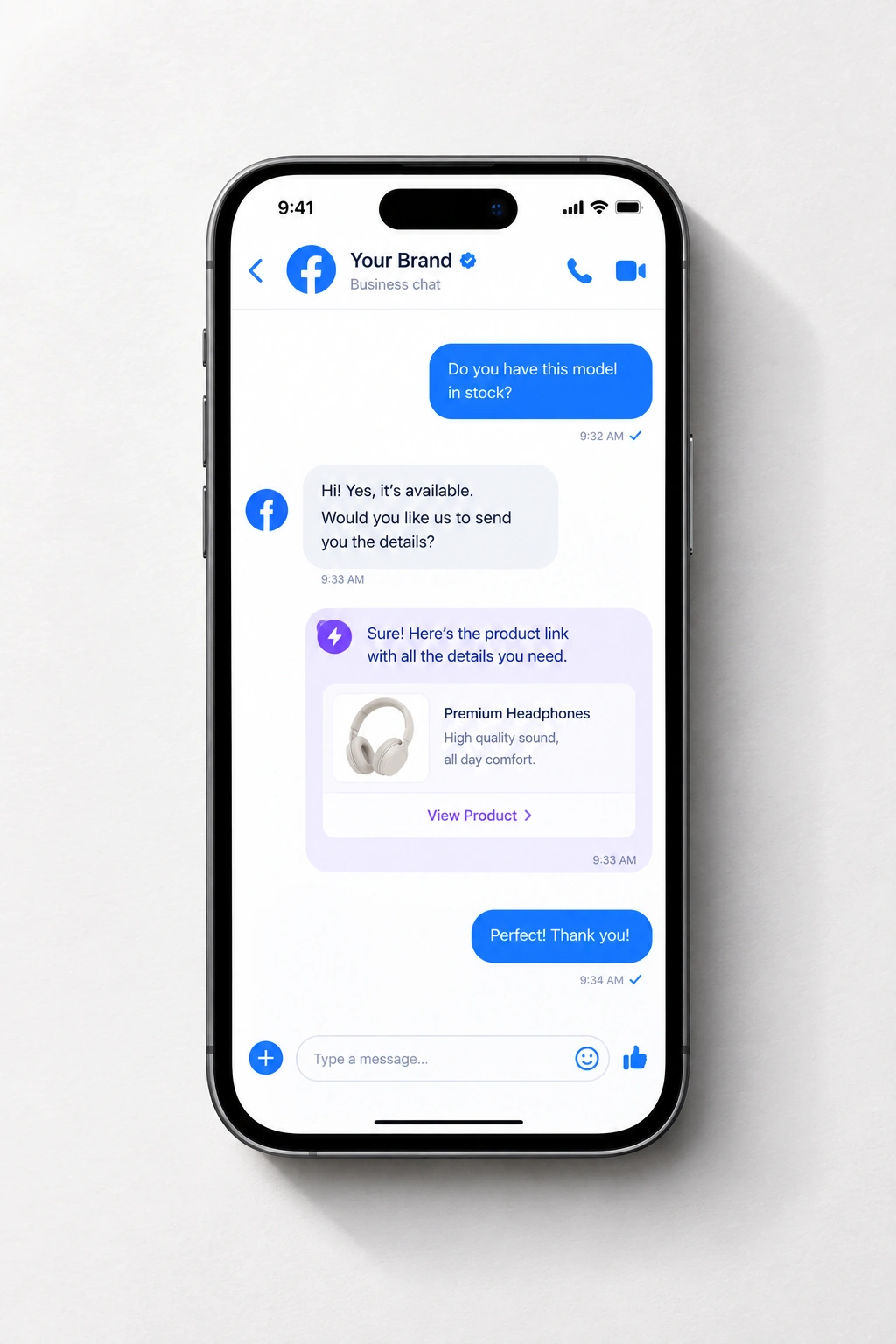
From a comment on the Page to a chat with you
One rule covers the comment and the conversation it becomes.
- Somebody comments your keyword under a Page post — the word, the emoji people use instead, or a bare punctuation mark.
- A public reply goes under their comment, so the thread shows an answered question rather than a queue.
- The same person gets your link in Messenger, in the words you wrote — no app to install and nothing to search for.
- If they write back, the rules answer what they cover, and that person counts once this month however many messages it runs to.
- The moment it is beyond the rules, it lands with you — marked, and with the conversation so far.
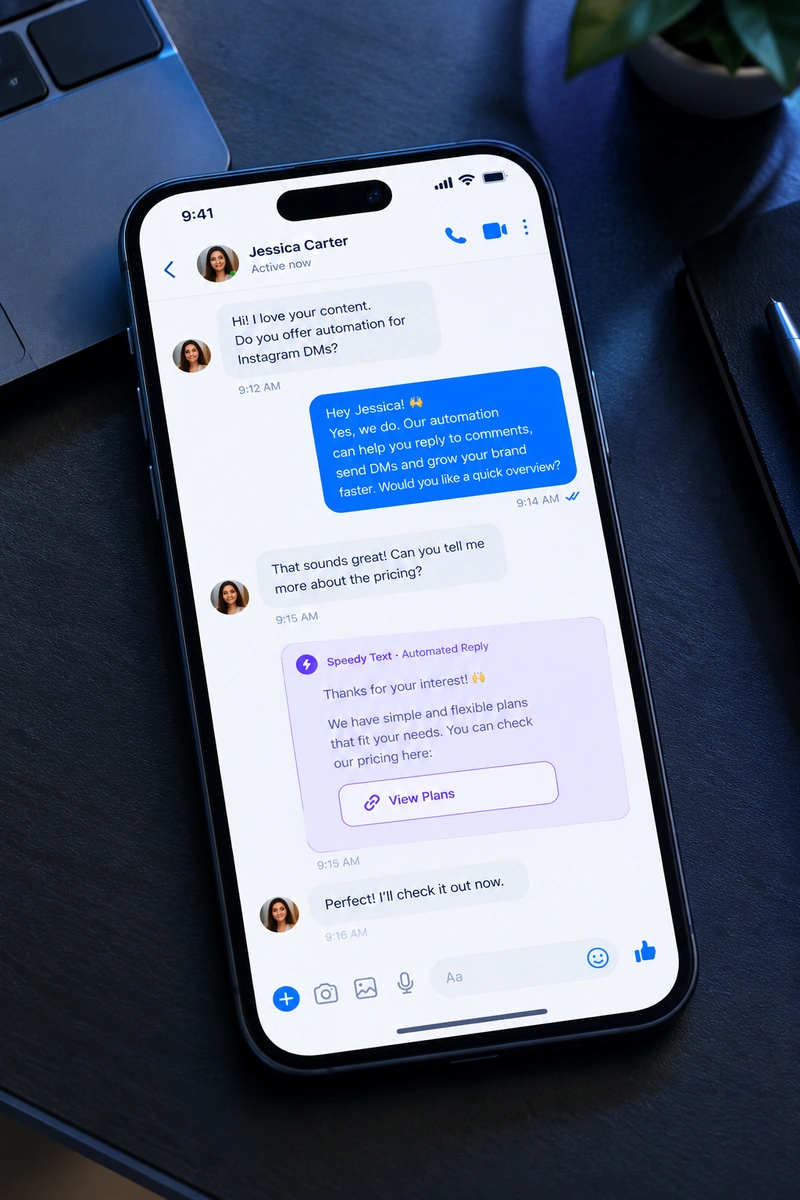
What Facebook asks for first
Meta's requirements, not ours — said here rather than after you sign up.
- A Facebook Page — this runs on Pages, not on a personal profile.
- An admin role on that Page, so you can grant the permissions yourself.
- You approve it on Meta's own login screen. We never see or ask for your password, and you can revoke it from Meta or from us whenever you want.
- The same Page is what connects your Instagram, so doing this once covers both.
What a Page can do that a profile cannot
Messenger draws a hard line between a business and a person, and everything below follows from which side of it you are on.
- Pages, never personal profiles
- Facebook gives no messaging API to a personal account, by design — an app that could message from your own profile would be indistinguishable from you. If your business runs from a profile today, creating a Page is the first step, and it is free.
- Public and private are one move
- A comment on a Page post gets a visible reply underneath it and a private message to the same person. The public half matters more here than anywhere else: on Facebook the next hundred people scrolling past read the thread, and an unanswered question is what they see.
- 24 hours from their last message
- The standard window Facebook gives a Page to reply. Since this only ever answers people, it never runs out — but it is why nothing here can be used to send a broadcast, and why a conversation from last week has to be restarted by the customer, not by you.
- One connection covers Instagram too
- The Page is what your Instagram professional account is attached to, so approving Messenger and approving Instagram is the same login. Most people connect both and write one set of rules for the two.
One rule, two apps
Your Facebook Page and your Instagram account sit on the same Meta login. Write an answer once and both run it — and it answers what the person actually asked, not the same line for everyone.
 Shopify
 EasyOrders
 Google Calendar
- 1
Instagram included
The Page you connect is the one your Instagram is attached to, so one approval covers both apps and one set of rules serves both.
- 2
Buttons, not “reply 1, 2 or 3”
Messenger chats carry up to three buttons or a row of quick replies, and a tap is read like a typed answer.
- 3
Real prices, or none
It quotes what is in your store today. A reply containing a figure you never wrote is thrown away before anyone sees it.
- 4
It knows when to stop
A chat that needs a person stops being automatic and becomes yours, with everything said so far attached.
Built for the Page you built
Meta's official API
The route Meta built for business tools. Nothing logs in as you or clicks around your Page.
Pages, never your profile
It works on Pages only. Your personal Facebook account is never touched.
Never your password
You approve access on Meta's own screen, and you can take it back there whenever you like.
Every reply on the record
Each comment, reply and message is in your activity log, with the minute it went out.
What people ask before connecting
Straight answers to the questions that usually decide it.
Does it work on my personal Facebook profile?
No. Facebook only lets apps message from Pages, never from personal profiles. If you sell from a profile today, creating a Page is free and takes a few minutes.
Do I need to connect Instagram separately?
No. Your Instagram professional account is attached to your Page, so the same login connects both — and one set of rules can run on both.
I run several Pages. Which ones can I connect?
Any Page you're an admin of. When Facebook shows its list, tick every Page you want here: the list replaces your earlier choice, so a Page left unticked is disconnected.
Can it message people who commented last week?
No. Facebook gives a Page 24 hours from the person's last message to reply. Speedy Text answers people while they're asking, so it never needs more — but it can't chase anyone.
Can customers tap buttons in Messenger?
Yes. A message can carry up to three buttons or a row of quick replies, and a tap works the same as typing the answer.
Can I take over a conversation?
Yes. Anything beyond your rules lands in your inbox, marked, and you can answer from there. Once it is yours, the automation stays out of that chat until you hand it back.
Do I have to give you my password?
No. You approve the permissions on Meta's own login screen. We never see your password, and you can remove access from Facebook's settings or from ours.
Does it reply in Arabic?
The AI answers in the language the customer wrote in — Arabic, English, French, Spanish and more — from notes you wrote once. Rules reach them in their language too — Arabic, English or Spanish — with your prices and links exactly as you wrote them.
Same answers, every app
Connect the others and they share your rules, your notes and one inbox.



Start with 25 people, free.
No card needed. One login connects your Page and your Instagram.