
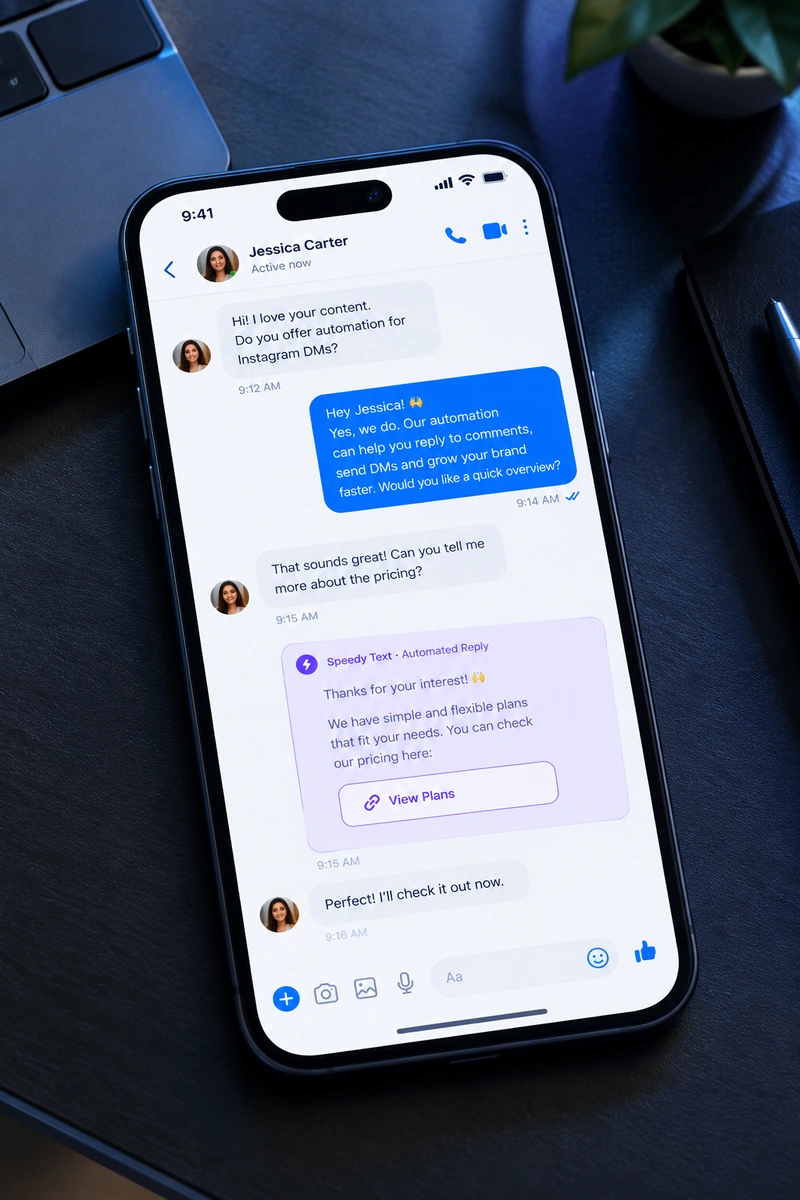
Your Page answers, then hands you the ones that matter
Facebook is where the older, warmer audience still asks in public — and where a comment left waiting is read by everyone else scrolling past it. This answers under the post and in the inbox, in seconds.
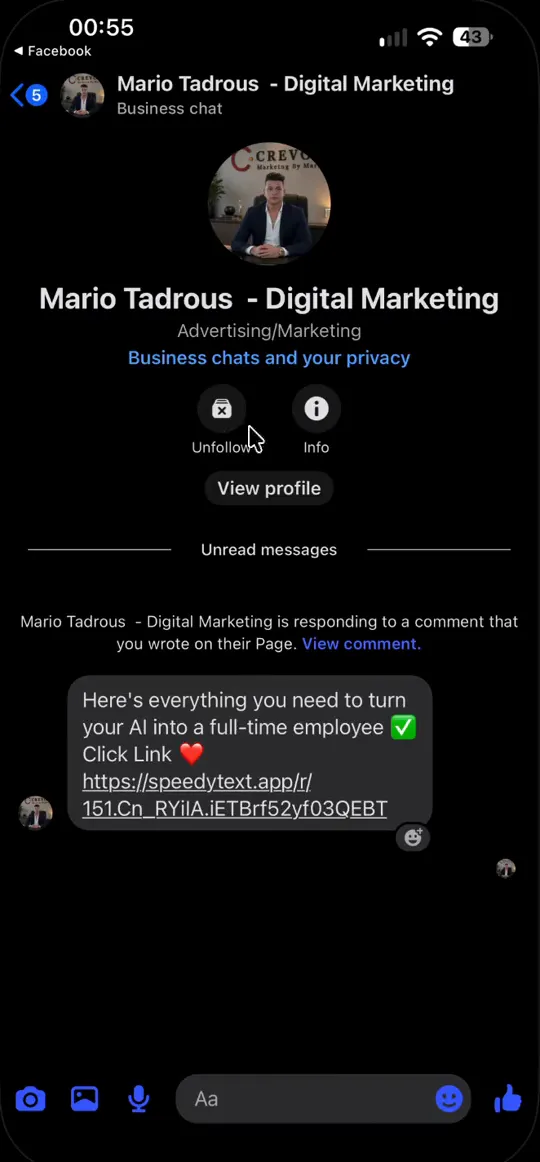
She types your keyword — no app to download, no link in bio to find.
From a comment to a chat, without you
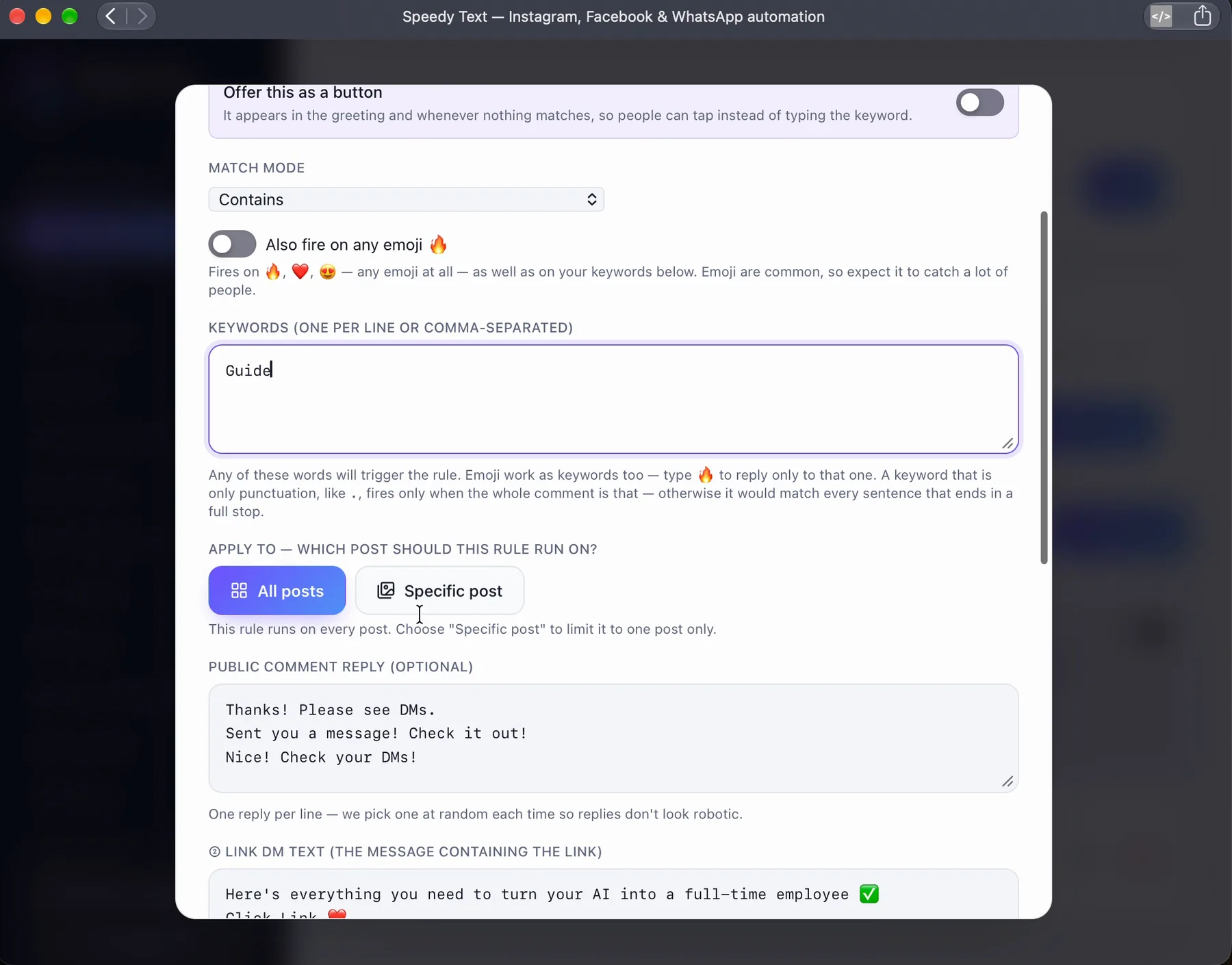
One rule covers the comment under the post and the conversation it turns into.
- Step 1
Somebody comments on your Page post
A word, the emoji people use instead, or a bare punctuation mark — all on the same rule. A public reply goes under their comment, so the thread shows an answered question rather than a queue.
- Step 2
Your link arrives in Messenger
The same person gets the reply you wrote, in your own words, in their inbox. Within seconds, at any hour, on every post you have.
- Step 3
You take it from there
The moment somebody asks something your rules do not cover, the automation stops talking and the conversation becomes yours — with everything said so far attached.
One rule covers the comment under the post and the conversation it turns into.
- Somebody comments on your Page post
- Your link arrives in Messenger
- You take it from there
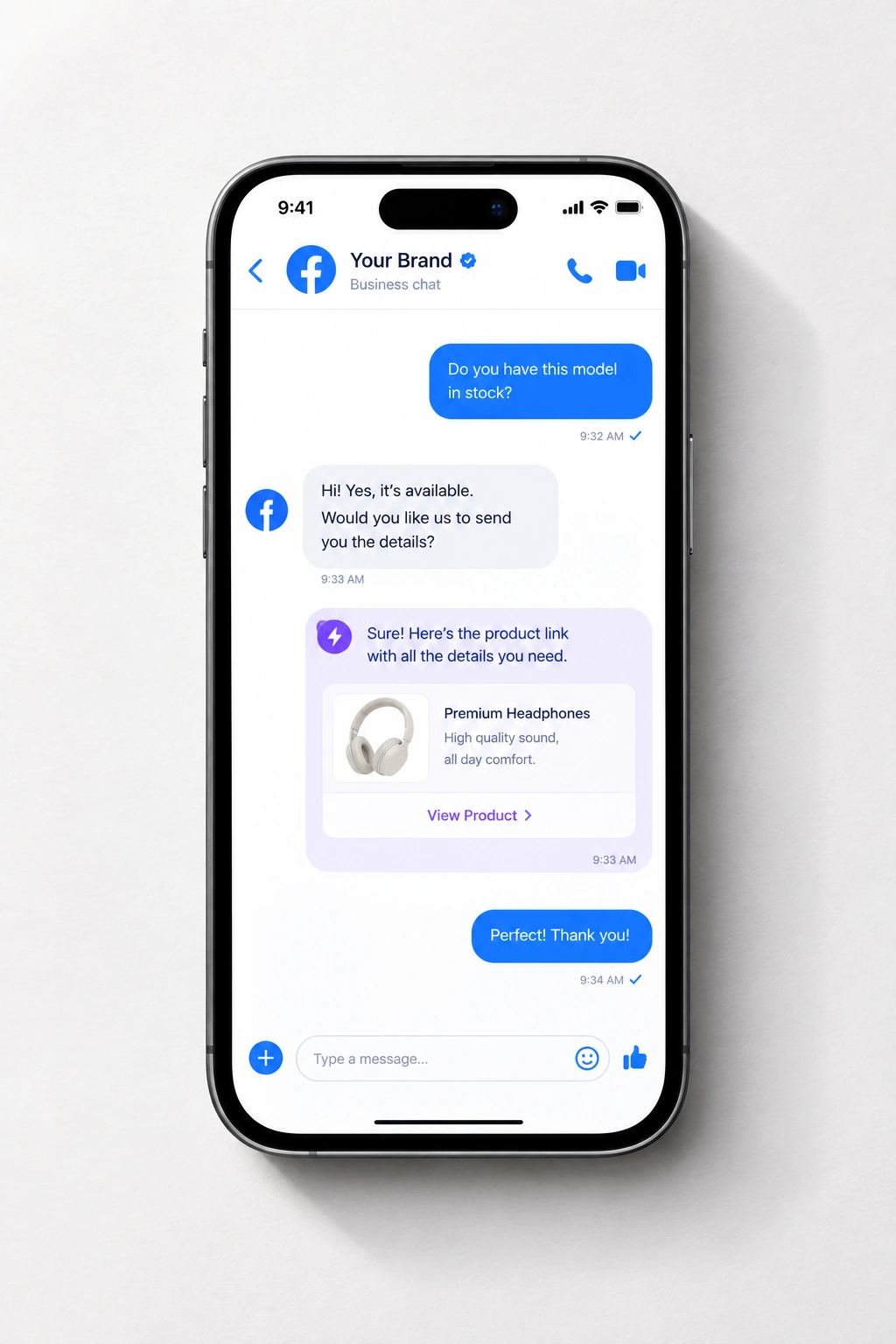
The questions your Page gets every week
Write the answer once and let it go out to everyone who asks.
- Price, stock and availability
- The link, the form, the booking page
- Hours, location, delivery, returns
- The ones that arrive at midnight
Four steps, and one of them is you
Where a Page conversation actually goes, and who answered each part of it.
- Someone comments on your Page postPublic reply, in your words
- The same person opens MessengerGreeting and menu, immediately
- They ask what you answer every weekYour written answer, sent
- They ask something only you can answerHanded to you · you got a ping
Price, stock and availability
Answered under the post and in the inbox, the moment somebody asks — from a rule you wrote once.
The link, the form, the booking page
Sent the moment they ask for it, so the next step is one message away instead of another question.
Hours, location, delivery, returns
The five questions that arrive every morning, answered in your own words while you are doing something else.
The ones that arrive at midnight
Facebook does not close, and neither does this. A reply goes out at 3 a.m. exactly as it would at midday.
Six that work — steal them
What a good Messenger answer looks like, by kind of business. Change the words to yours and it's live.
A Page is read by people who never write
Facebook keeps a comment thread visible for years, and most of the people reading yours will never send you anything. That changes what the reply is for.
- The public reply is the one doing the selling
- One person asked. Two hundred will read the answer over the following weeks, because a Facebook post keeps working long after it is posted. Write the visible reply for them — name the price or the detail rather than saying “sent you a message”, which tells a reader nothing.
- Set a greeting, because Messenger shows one
- The first screen of a new conversation is blank unless you fill it, and it is the only thing somebody sees before deciding whether to type. One line about what you sell and what to ask for beats a welcome.
- Write the fallback as carefully as the answers
- The message that goes out when nothing matched is the one a stranger is most likely to receive, since they never knew your keywords. It should say what you can help with and offer a person — not apologise for not understanding.
- This audience waits longer and expects more
- Facebook skews to people used to businesses answering properly, and they are less forgiving of a bot that loops. The handover matters more here than anywhere else: set it to fetch you early rather than to try once more.
What answers on your Page while you are away
A greeting for someone new, an answer when nothing matches, and a warning to you the moment anything stops working.
Comment → DM
A friendly public reply under the comment, plus a private DM carrying your link. Every time, within seconds, without you watching.
A first word, and a way back
Greet someone the first time they write, and when a message matches nothing, show the options again instead of leaving them with silence. Both start empty — say nothing until you have written the words yourself.
Any language
Write a rule or a flow once. A customer who writes in Arabic, English or Spanish gets it in their own language — translated once and kept, with every price, number and link exactly as you wrote it. Wrote your own version in a second language? Yours is sent instead.
Never fails in silence
If your Meta access lapses, your allowance runs out, or messages start failing, you are told in the app, by email and on Telegram if you connect it — before it costs you customers.
Questions about answering a Page
How the answering part behaves on Facebook.
Does it answer comments, messages, or both?
Both. A keyword under a Page post gets a public reply and a private message; a chat someone opens gets your greeting and answers. One rule can cover the two.
Can the first message after a comment have buttons?
The private reply to a comment goes as text — that's how Facebook sends it. Once they answer, the chat that follows can carry buttons and quick replies.
How many buttons can a reply have?
Up to three buttons, or a row of quick replies. A tap is read the same as a typed answer.
Will it keep answering after I step in?
No. A conversation handed to you stays yours until you give it back to the automation.
Can it follow up if they go quiet?
Inside the 24-hour window, yes — one follow-up you write, after the delay you choose. After that Facebook doesn't allow it, so it doesn't try.
Does it work on every Page I manage?
On every Page you connect. Each has its own rules, notes and tone, and they all land in one inbox.
Auto-reply on your other apps
Each one shaped by what that app allows.


Put your Page to work.
Connect the Page once on Meta's own login and every post you have starts answering. Free to start, no card.