
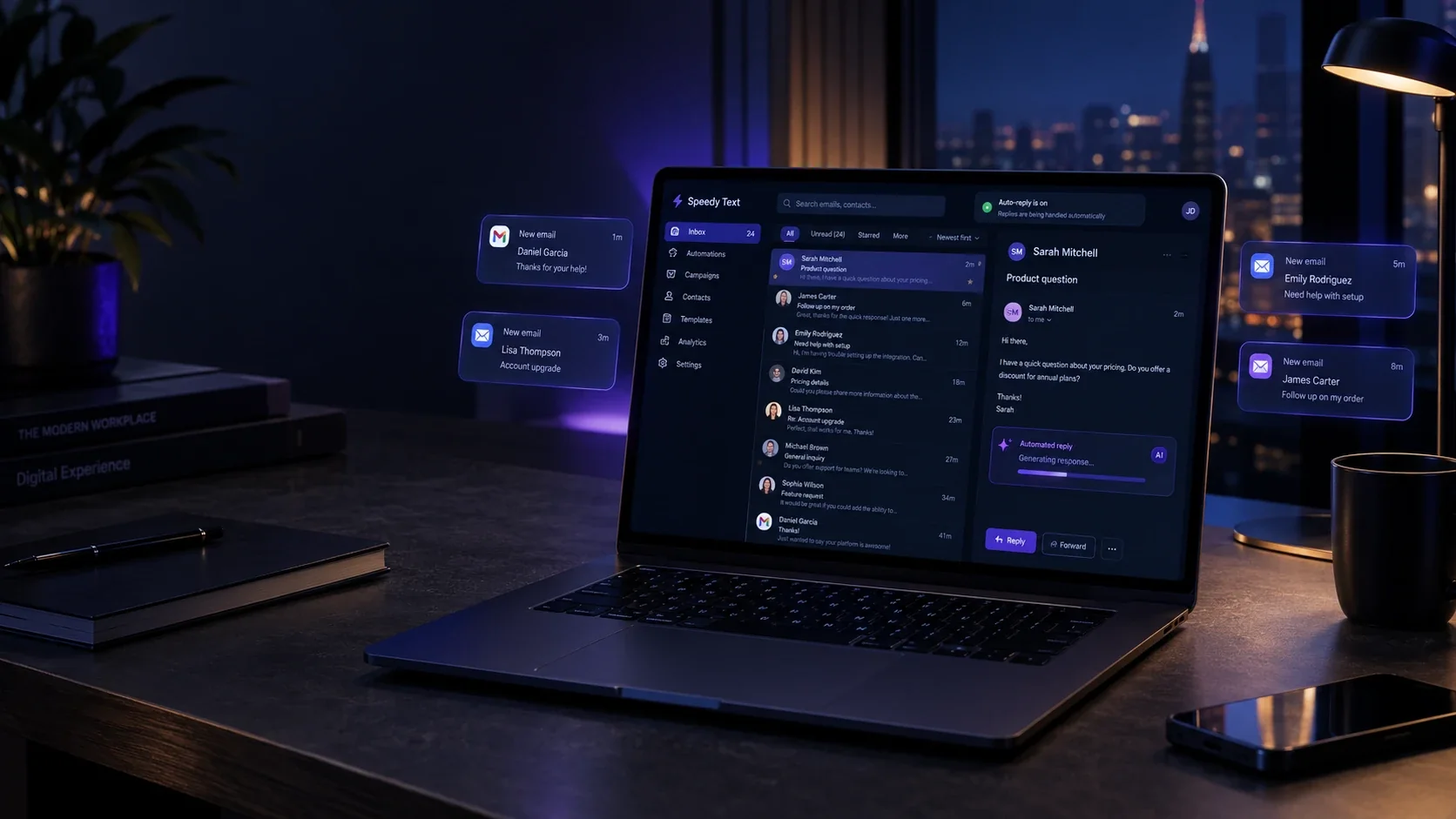
Your inbox, answered — and your list, working
Forward your business email and every customer gets a real answer in seconds, in the same thread, from your own address. And when you have something to say, a campaign goes to everyone who asked to hear it — with the follow-up sent for you.

The same inbox, twice
Four moments from an ordinary day with a business inbox — and where each one ends up.
What it does for you
The inbox you answer by hand today, and the list you never had time to write to.
Answers every email
A customer asks about a price, an order or an opening time. The answer goes back in seconds, in their language, in the same thread, from your notes and your store — and anything it can't answer is left for you, marked.
Sends your campaigns
Build an email from blocks or paste your own design, pull products straight from your store, and send it now or schedule it. Whoever didn't open it gets a follow-up a few days later, by itself.
Keeps you out of spam
Replies and campaigns go out from your own domain, signed the way Gmail and Yahoo require. Spam that reaches you is never answered, and every unsubscribe, bounce and complaint is honoured for good.
Pick the inbox that sounds like yours
The same channel, three very different jobs.
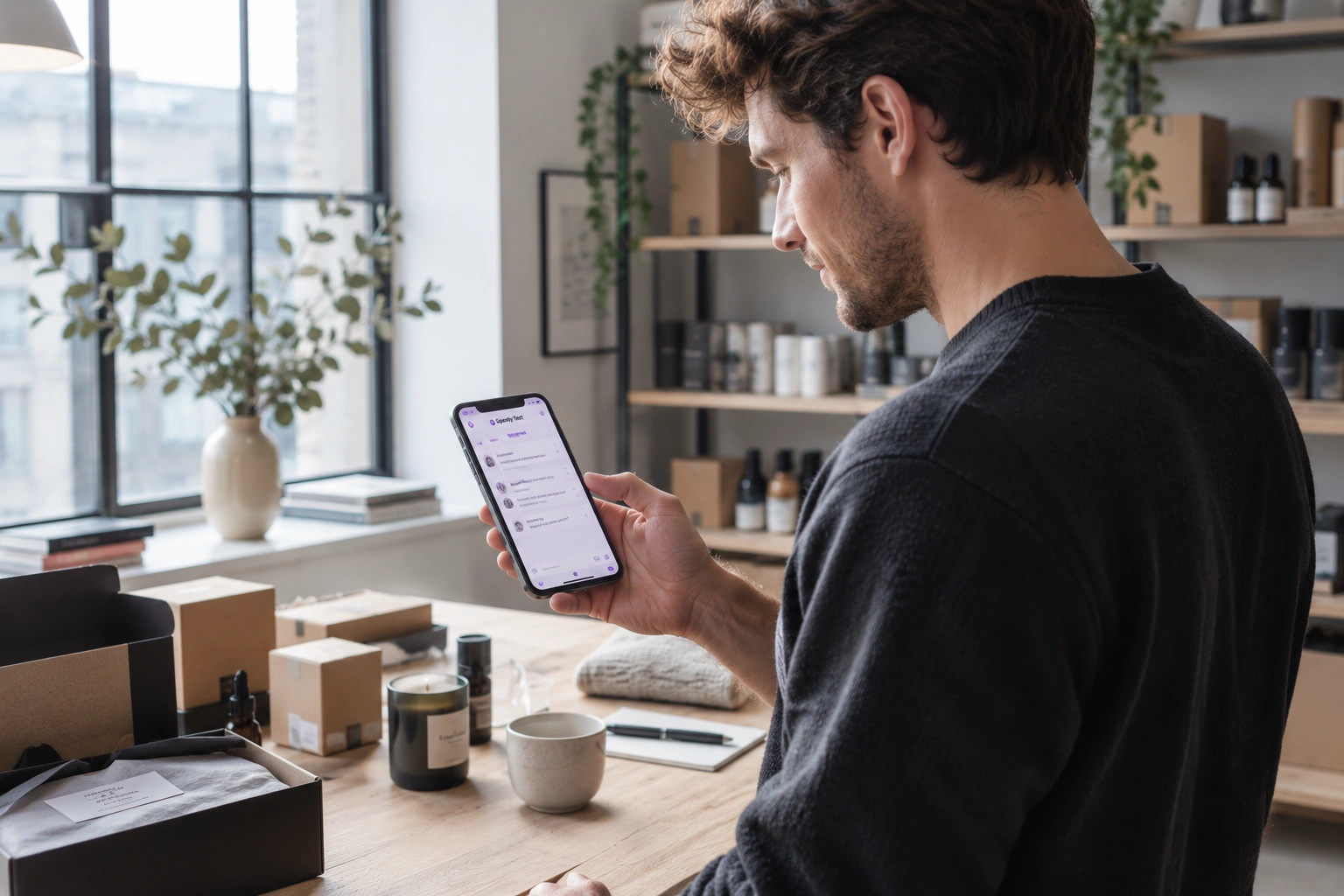


Questions answered, and a list that buys
Customers asking about sizes, delivery and orders get answers from your store in seconds. And when new stock lands, a campaign with your products — pictures, prices and links pulled straight from the store — goes to everyone who signed up.
- Real prices from Shopify, EasyOrders or your own list
- Product blocks filled from your catalogue in one tap
- A follow-up for whoever didn't open
From a forwarded inbox to a list that buys
What happens, in order — and what you no longer do.
- 1You add a forwarding rule in Gmail, Outlook or your host. Your emails keep arriving where they always did; a copy comes to us.
- 2A customer writes. Spam and sales pitches are set aside; a real question is answered in seconds, in the same thread, with your signature.
- 3You verify your domain once, and from then on every reply comes from your own address — hello@yourstore.com, not ours.
- 4Anything it can't answer waits in your email inbox, marked, with the whole thread and any attachments.
- 5People join your list from a sign-up form you share, or from the people who already wrote to you — and confirm by email.
- 6You send a campaign. Three days later, whoever didn't open it gets it again with a new subject — and you see who clicked what.
How email works — the parts worth knowing
Email is open to everyone, which is why the big inboxes are strict about who they trust. These are the lines they draw.
- We see your mail because you forward it
- Nothing logs in to your mailbox. You choose what is forwarded, and turning the forward off stops everything at once.
- Your own address needs your domain
- To send as hello@yourstore.com, your domain has to vouch for us — a few DNS records, added once. No app can send as a free @gmail.com address, so those replies come from your forwarding address instead.
- Marketing email needs permission
- Campaigns go only to people who agreed to them, carry your business address and a one-click unsubscribe, and someone who leaves is never mailed again. That is the law in most countries — and what keeps you out of spam.
- Microsoft 365 blocks outside forwarding
- Company accounts on Microsoft 365 refuse forwarding outside the company by default. Your admin turns it on once in Microsoft Defender; until then, nothing arrives.
One place for the inbox and the list
Most tools do one: they answer your support email, or they send your newsletter. Here the same people move from one to the other — and you pay for each person once a month, not per email.
 Shopify
 EasyOrders
- 1
Your own address, signed properly
Replies and campaigns go out from your domain, with the records Gmail and Yahoo check. Campaigns can use their own subdomain, so a newsletter never puts your support replies at risk.
- 2
Spam never gets a reply
Forged senders are dropped, and a new sender's first email is checked: customers are answered, pitches are left for you, spam goes in its own folder — and none of them count on your plan.
- 3
The follow-up writes itself
Choose how many days, and whether it goes to people who didn't open or didn't click. It goes out with its own subject, and whoever already acted is left out.
- 4
Real prices, or none
Answers and AI drafts use only the figures in your notes and your store. A reply with a number you never wrote is thrown away before anyone sees it.
Your inbox, your rules
Never your password
Mail reaches us because you forward it. Nothing logs in to your mailbox, and turning the forward off stops everything.
Your domain, your keys
Sending as you needs records only you can add to your own domain. Remove them and it stops.
Unsubscribe means gone
One click, in every campaign and in the header the big inboxes read. That address is never mailed again from your account.
Bounces and complaints, handled
An address that bounces or marks you as spam is taken off your list by itself, so your reputation stays clean.
What you need to start
- A business inbox you can add a forwarding rule to — Gmail, Google Workspace, Outlook, Microsoft 365, Zoho or your host's mail. We never ask for its password.
- To reply from your own address: your own domain (hello@yourstore.com), and access to its DNS to add a few records. A free Gmail or Outlook address works too, but replies then come from your forwarding address under your name.
- For campaigns: a verified domain, your business address for the footer, and people who agreed to hear from you.
- Answering emails works on every plan. Campaigns, follow-ups and welcome series come with any paid plan.
What people ask before connecting
Straight answers to the questions that usually decide it.
Do you need my email password?
No. You add a forwarding rule in your own inbox — Gmail, Outlook, Microsoft 365 or your host's mail — and a copy of each email comes to us. Your inbox keeps everything as before.
Will replies come from my address?
Yes, once your domain is verified: you add a few DNS records once, and every reply comes from your own address. Free @gmail.com or @outlook.com addresses can't be sent from by any app, so those replies come from your forwarding address under your name.
What happens to spam and sales pitches?
They're never answered and never counted on your plan. Spam goes in its own folder; pitches, suppliers and job emails wait for you in the email inbox.
Who can I send campaigns to?
People who agreed to hear from you: those who signed up on your form (and confirmed by email), customers who wrote to you, or a list you upload while confirming they agreed. Anyone who unsubscribes is never mailed again.
Can I use my own email design?
Yes. Build from blocks — heading, text, image, button, product — or paste your own HTML. Your address and an unsubscribe link are added at the bottom if it doesn't have them.
How is it priced?
Like every other channel: each person you answer or email counts once a month toward your plan's contacts, however many emails they get. Answering email works on every plan; campaigns come with any paid plan.
My company uses Microsoft 365. Will it work?
Yes, after one setting. Microsoft 365 blocks forwarding outside the company by default, and your admin turns it on in Microsoft Defender. Your account page tells you if your inbox is on Microsoft 365.
Does it answer in Arabic?
The AI answers in the language the customer wrote in — Arabic, English, French, Spanish and more — and Arabic emails are laid out right to left.
Same answers, every app
Connect the others and they share your notes, your store and one place to see everyone.

Your inbox, answered tonight.
Forward one inbox and it starts. Answering email is on every plan.