
Turn Instagram comments into DMs, automatically
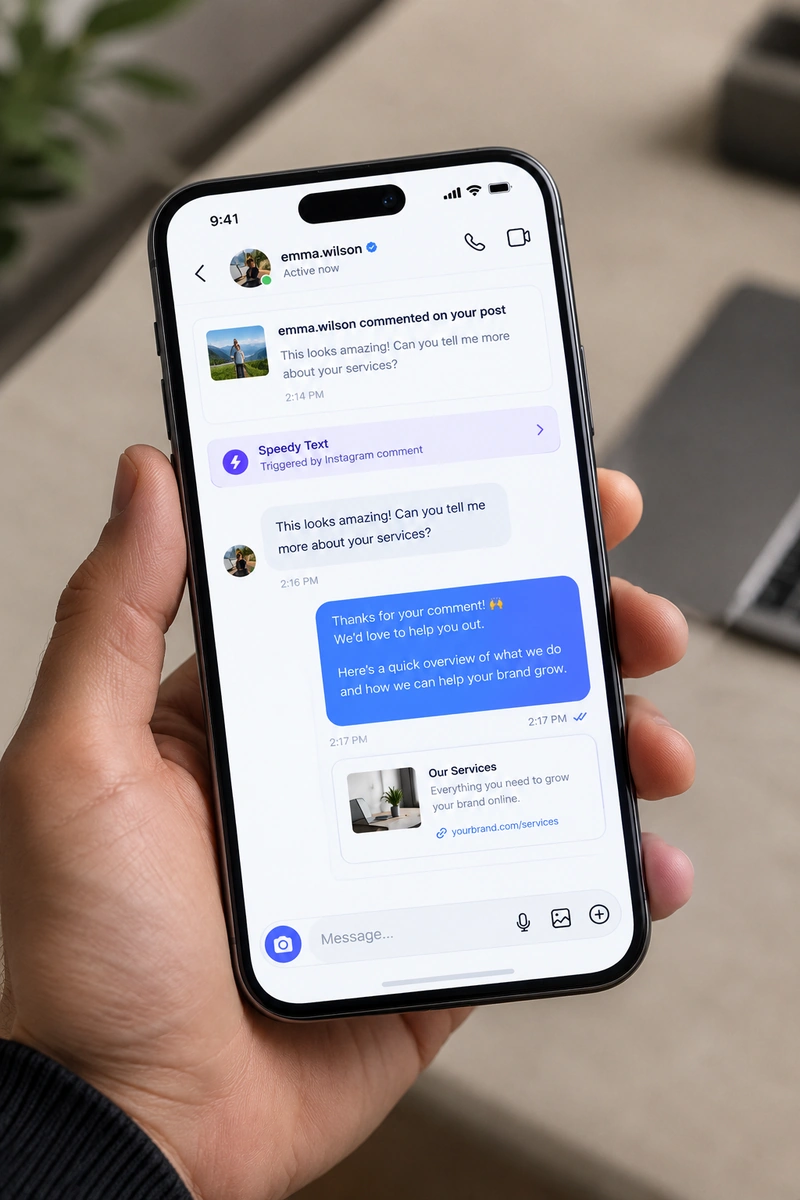
Someone comments a keyword on your post. Seconds later they have your link in their inbox — 24 hours a day, in the language you sell in, with no code. Watch it happen below.
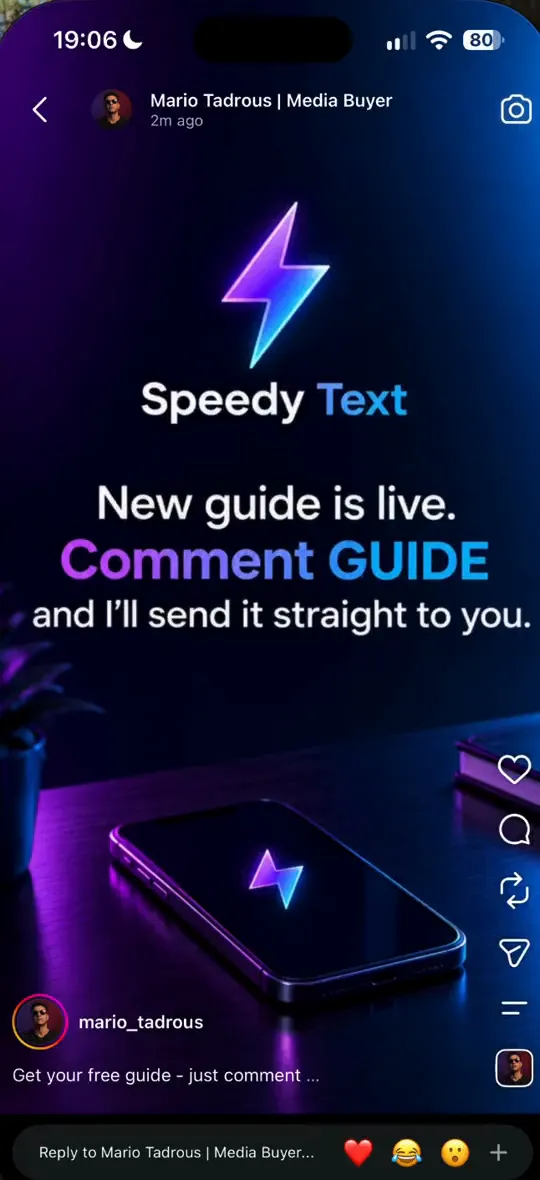
Someone is about to comment on your post.
Three moments, no hands on the keyboard
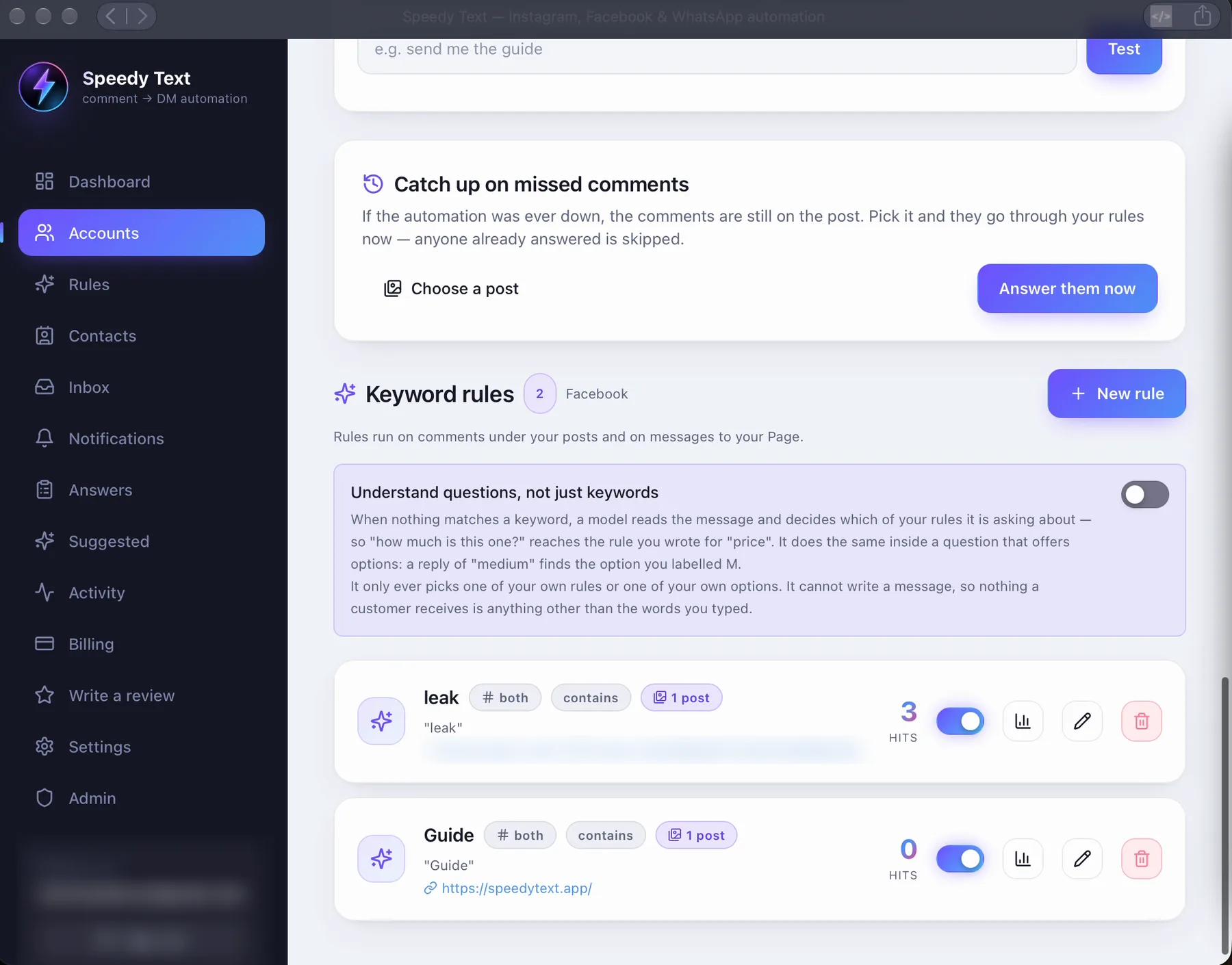
Set it up once. Every comment after that is handled for you.
- Step 1
Someone comments your keyword
You post as usual and tell people to comment a word — "LINK", "PRICE", an emoji, anything. Speedy Text watches every comment on that post.
- Step 2
They get your link by DM, instantly
The second the keyword lands, a private message with your link goes to that person. You can reply publicly under the comment too, so the thread stays alive.
- Step 3
Strangers become followers and leads
Turn on the follow-gate and the link is delivered only to people who follow you — a polite nudge that grows the account while it sells.
Set it up once. Every comment after that is handled for you.
- Someone comments your keyword
- They get your link by DM, instantly
- Strangers become followers and leads
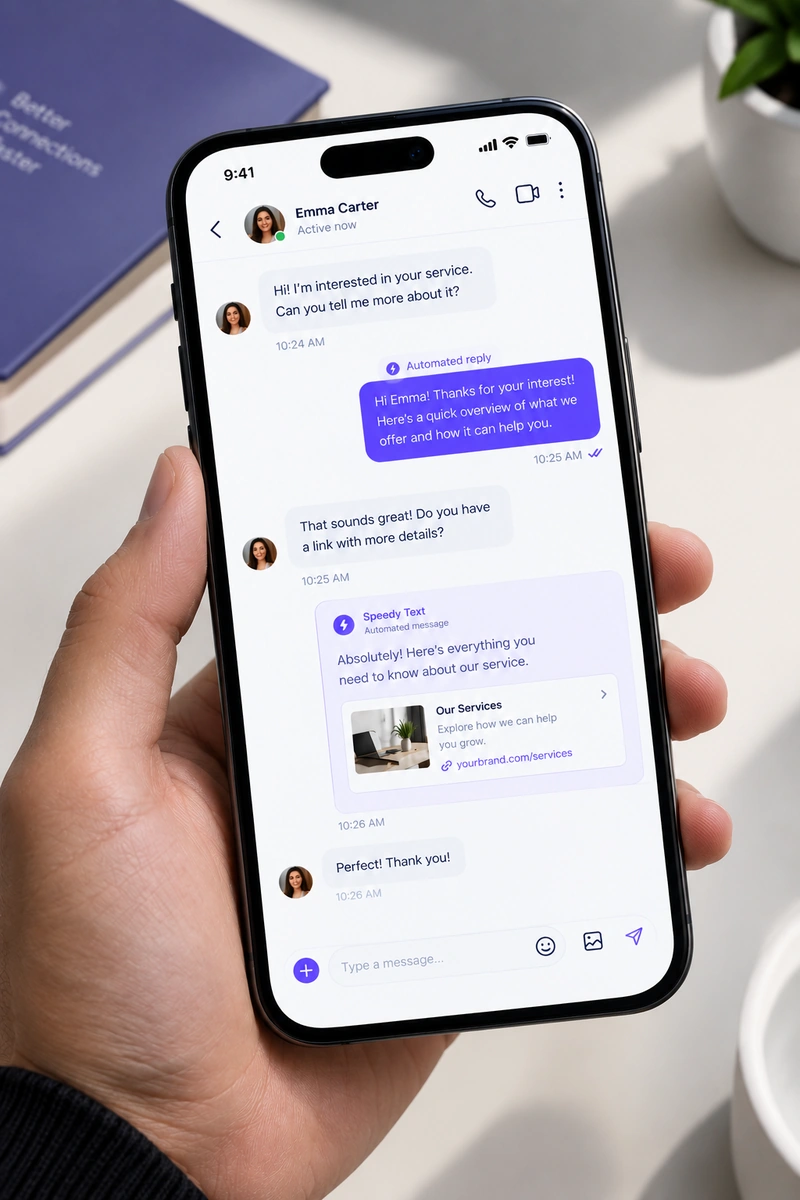
Built for the accounts that get asked the same thing
If your comments fill up with the same question, this is the answer that sends itself.
- Creators
- Online stores
- Coaches & consultants
- Agencies
Creators
Share a lead magnet, a course, or a collab link with everyone who asks — without answering the same DM a hundred times a day.
Online stores
Send the product link, the price, or the order form the moment a customer comments "how much?" — while they're still interested.
Coaches & consultants
Deliver a booking link or a free guide automatically, then let the conversation continue with a greeting and a handover to you.
Agencies
Run comment-to-DM for several client accounts from one place, with each client's own words, rules, and tracked links.
Six that work — steal them
Real shapes of a good comment-to-DM rule, by kind of business. Change the words to yours and it's live.
The keyword decides how well this works
Everything else here is settings. The word you pick is the one real decision, because it has to be something a person types without being told twice.
- Pick a word people already use
- PRICE, LINK, SIZE, BOOK. Not a made-up code and not your product name spelled a particular way — the whole thing fails quietly the moment somebody types SEND instead of the word you chose and gets nothing back.
- Say the word out loud, not just in the last line of the caption
- “Comment PRICE and I will send it” works when it is spoken in the video or written across the image. Buried at the end of a caption nobody expanded, it turns into a rule that fires four times.
- Catch the emoji too
- Ask a hundred people to comment a word and a good number will send 🔥 or ❤️ or 1️⃣ instead, because it is faster. One rule can watch for a word, an emoji, or any comment at all — use the last one on a post where you cannot predict what people will type.
- Answer publicly as well as privately
- The DM is what they wanted. The visible reply under their comment is what the next two hundred people scrolling the thread see, and it is the difference between a post that looks attended and one that looks abandoned.
What turns a comment into a conversation
The trigger, the reply, the DM and the follow — the four pieces this page is about, and nothing it is not.
Keyword triggers
Pick a word — or several. The moment someone comments it, Speedy Text fires. Match the whole comment or just a part of it, whichever suits the offer.
Comment → DM
A friendly public reply under the comment, plus a private DM carrying your link. Every time, within seconds, without you watching.
Any emoji triggers it
Set a rule to fire on any emoji at all — 🔥, ❤️, 1️⃣, a flag, anything. Perfect for “drop an emoji and I'll send it” posts, where you can't predict what people will type.
Follow-gate
Deliver links only to followers. Non-followers get a polite message asking them to follow first — so a single post grows the account and converts the lead at once.
Questions about this one job
How the comment-to-DM part behaves, precisely.
Does it reply to every comment, or only some?
Only comments with one of the words you chose — or any emoji, if you switch that on. A word can match exactly, anywhere in the comment, or at its start. Everything else is left for you.
Can I run it on one post only?
Yes. Each rule runs on all your posts or on the one you pick — so a launch post can have its own word and its own reply.
Is the public reply required?
No. It's a switch on the rule. Leave it on and the thread shows the question was answered; switch it off and only the DM goes.
What if the same person comments five times?
They get one DM for that post. Instagram allows one private reply per comment anyway, and five identical messages would read as broken.
Does it work on old posts and on Reels?
Yes. A comment on any post or Reel the rule covers is answered — whether it was posted today or last year.
Can the DM carry buttons?
Up to three, each opening a link or answering with a tap — far more people tap a button than copy a pasted link.
Can I write it in two languages?
Yes. Each rule can hold your reply in a second language, and the customer gets the one that matches how they wrote.
Auto-reply on your other apps
Each one shaped by what that app allows.


Send your first link automatically today.
The Free plan runs real comments and real DMs on one account. No card, nothing to cancel — upgrade the day it pays for itself.