
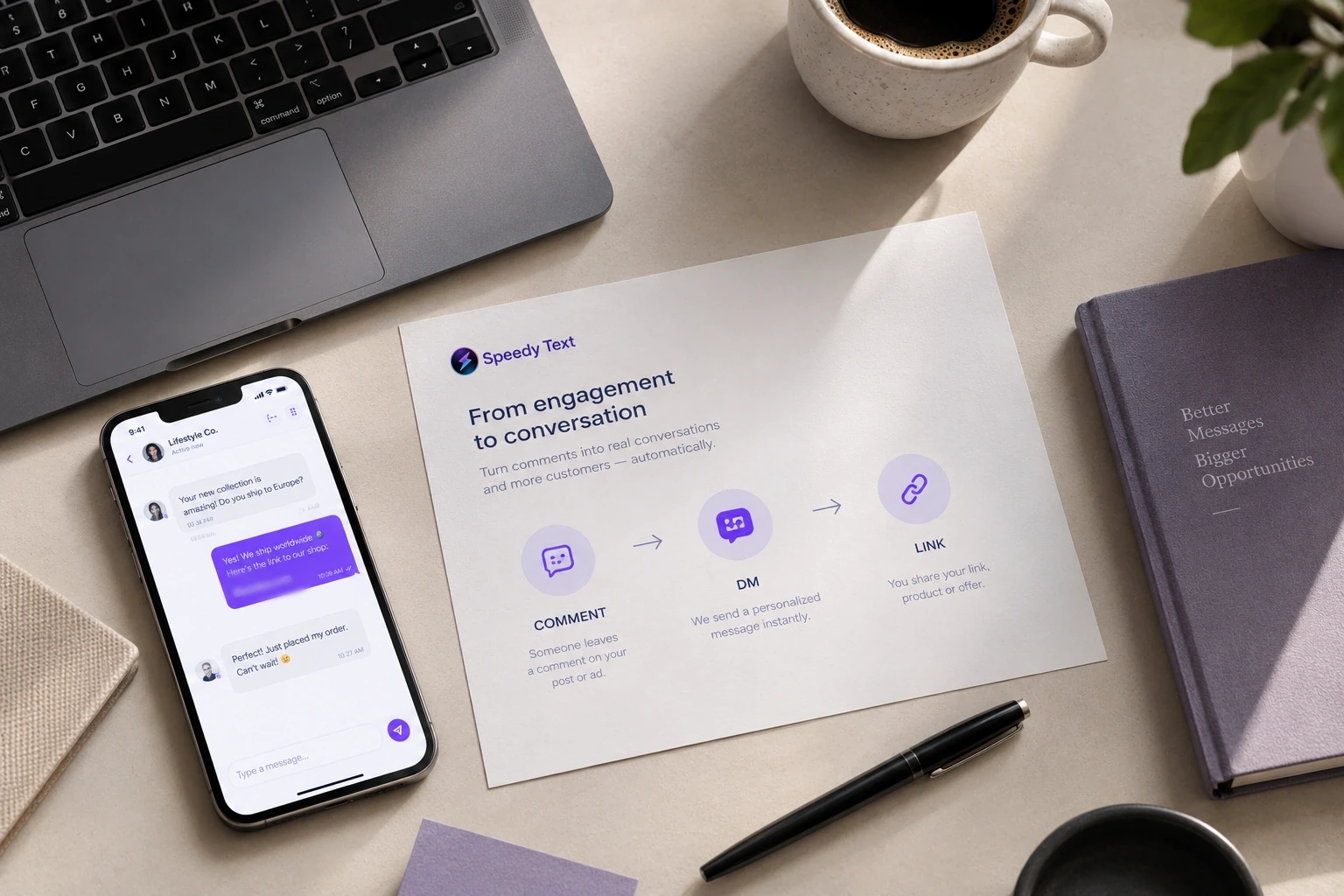
Three steps, and then nothing to do
No developers, no flow charts, no monthly maintenance. Here is the whole thing, honestly.
- 1
Connect your account
Link your Instagram business account, Facebook Page or WhatsApp Business number through Meta's own login. Two taps, no password shared with us.
You approve the permissions on Meta's screen, not ours. We ask for the minimum needed to read comments and send replies — and you can disconnect at any time, from your side or from ours.
- 2
Create a rule
Choose the keywords, write the reply and the DM, paste the link. About a minute of work.
A rule is just words: what to listen for, what to say publicly, what to send privately, and where the link points. Turn on the follow-gate if you want the link to reach followers only, and pin it to one post if the keyword means something specific there.
- 3
Go live
Speedy Text watches your comments around the clock and delivers every reply and DM for you.
From that moment there is nothing to do. You'll see replies, DMs and link opens appear on the dashboard as they happen, and you'll be told the moment anything needs your attention. Anyone who writes something no keyword covers is answered from the notes you wrote about your business — or offered a time in your calendar, or handed straight to you.
What building a rule actually looks like
This is the real form, filling itself in. Nothing is hidden behind an “advanced” tab.
A new rule starts empty. There is nothing to configure but the words.
And then it runs without you
From the moment you save, this happens on every matching comment — while you're asleep, in a meeting, or on a plane.

Someone is about to comment on your post.
Rules end where the question starts
Everything above runs on words you chose. It is exact, it is cheap, and it covers the comment that says GUIDE — which is most of them.
What it does not cover is the person who types “does this come in navy and how long is delivery”. Speedy Text AI reads that, answers it from notes you wrote, books the appointment if that is what they were after, and tells you the questions your notes could not answer. It is an add-on, priced separately, and everything on this page keeps working without it.
See Speedy Text AIFifteen minutes, and most of it is deciding
Timed honestly, including the step people skip.
- A minute — switch to a professional account, if you have not
- Done inside the Instagram app, free, and it changes nothing anybody can see on your profile. Skip it if you are already on a business or creator account, which most people selling anything already are.
- Under a minute — connect
- One screen, and it is Meta's own. You pick which accounts to grant, we never see a password, and connecting the Facebook Page brings any Instagram account attached to it along with it.
- Three minutes — write the first rule
- A word to listen for, a line to say publicly, and the message with your link. This is the form above, and it is the whole form. The typing is quick; choosing the word is the part worth thinking about.
- Two minutes — test it on your own post, before anyone else does
- Comment your own keyword from your own phone and watch what arrives. This is the step people skip and the one that catches the typo in the link, the tone that reads wrong, and the rule pointed at the wrong account. Two minutes here saves a morning of wondering.
- Then nothing, which is the point
- It runs on every matching comment from then on, on that post and on every post after it, until you change it. There is no daily upkeep and nothing to remember to switch on.
The honest caveat: the setup is fifteen minutes and the first week is where the real work is. You will find that people type a word you did not think of, or ask something your message does not cover — the Activity page shows you both, and each one is a thirty-second edit. After that fortnight it mostly stops needing you.
The things worth knowing first
Instagram needs a business account
Your Instagram links through a Page
You approve it on Meta's screen
Two minutes from here to live.
Join creators, coaches and agencies turning every comment into a conversation — automatically.