
1Step 1
Open Store and press “Add a manual product”
Store is in the menu on the left, under Sales.
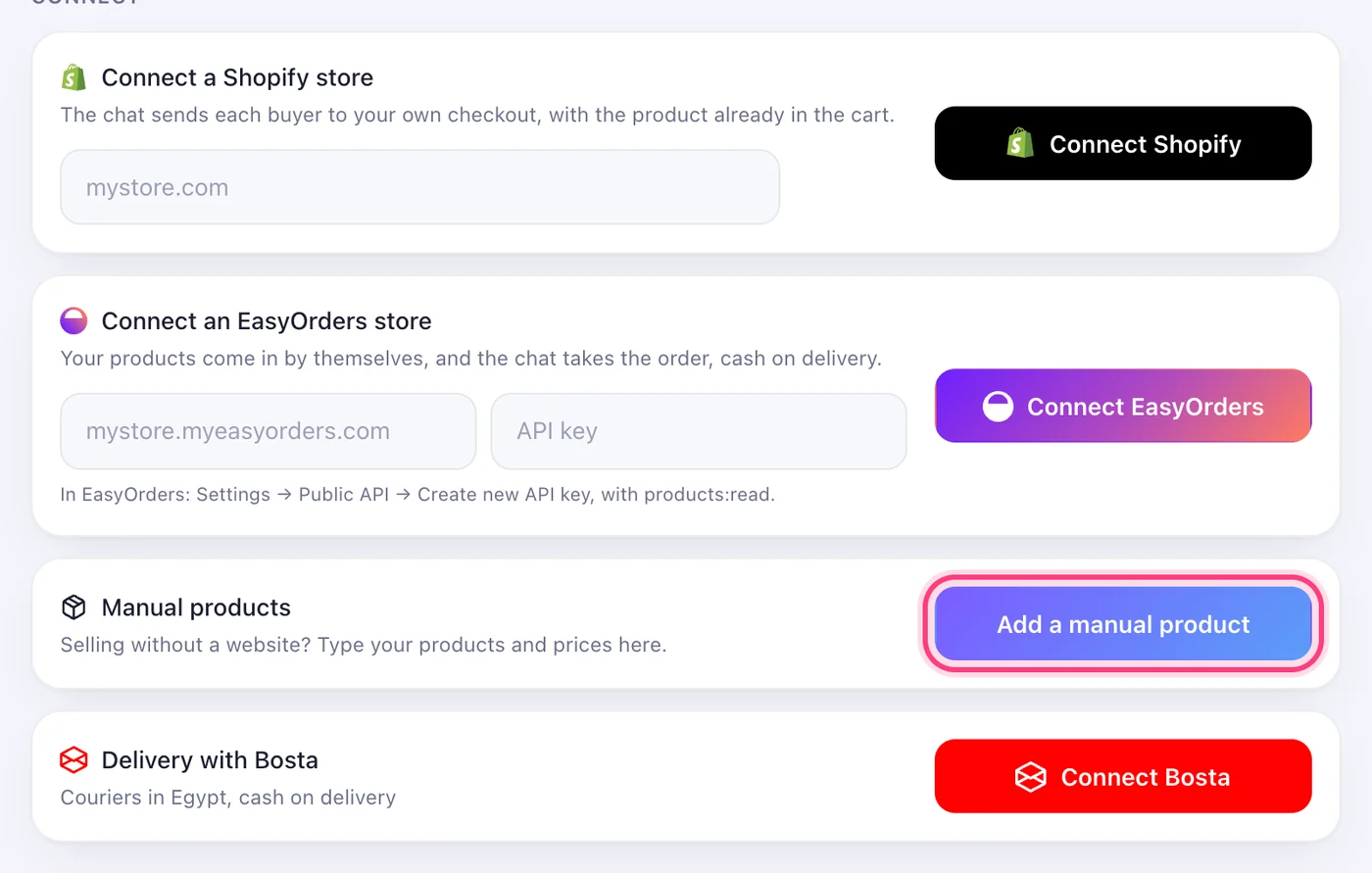
No website needed: type your products and prices, and the AI sells them in the chat.
4 stepsStore is in the menu on the left, under Sales.
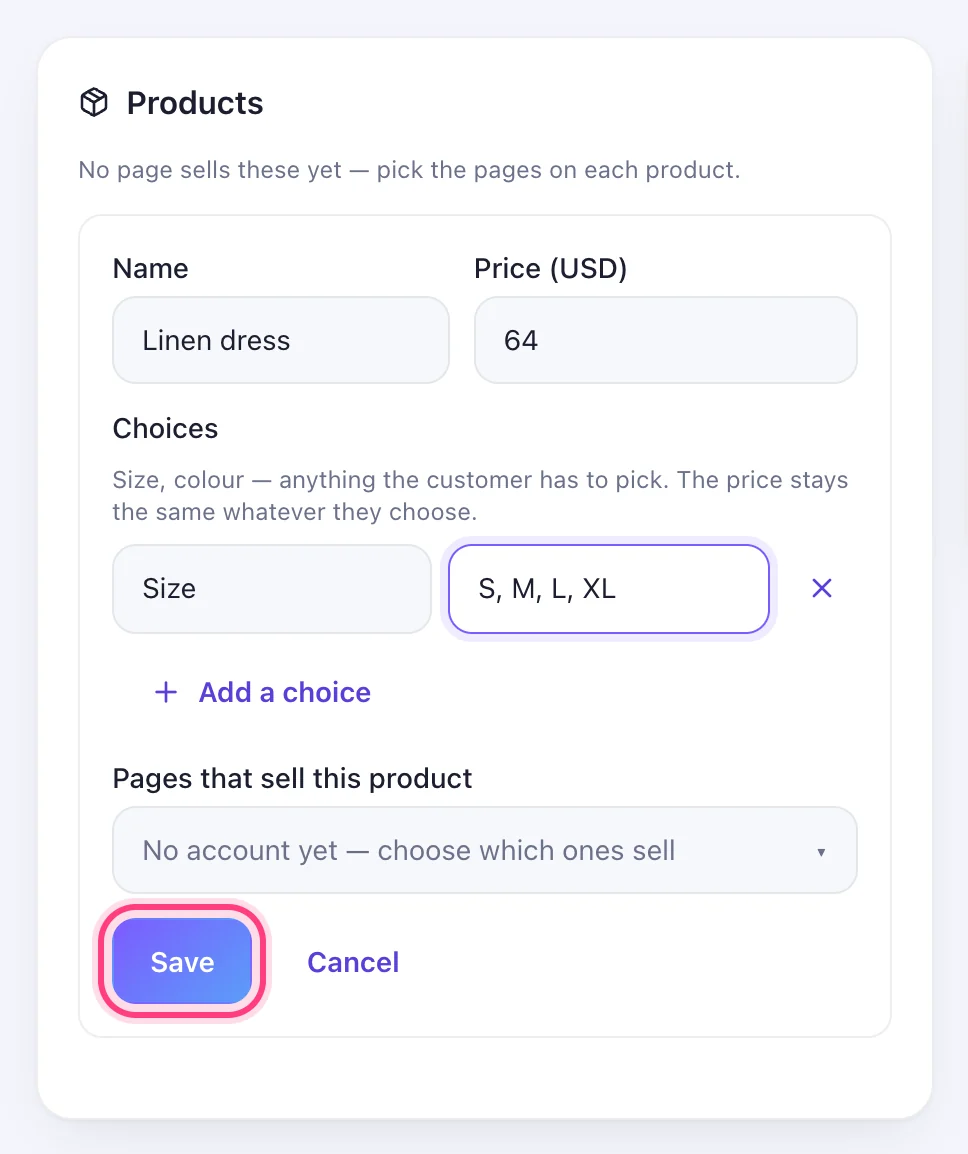
Write the name and the price. Under “Choices” add what the customer has to pick — a size, a colour — with its values, comma-separated. Choose the pages that sell it, then Save.
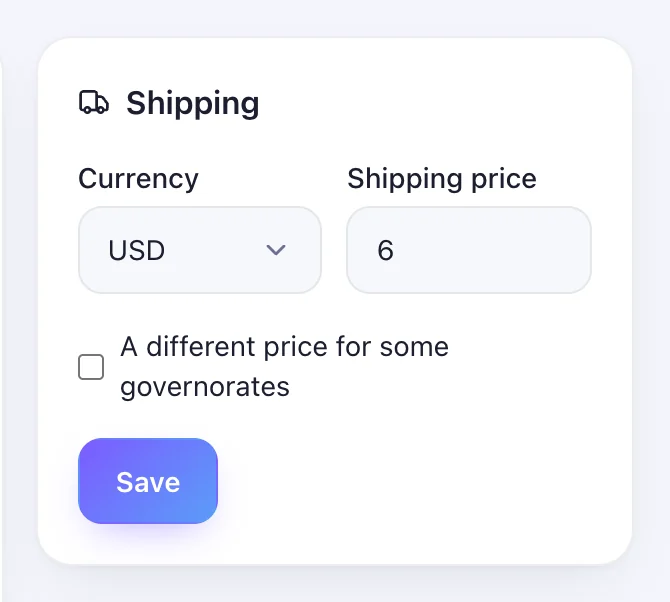
In the Shipping box choose the currency and the shipping price. Tick “A different price for some governorates” to set a price per area, then Save.
On the account's “AI & notes” tab, set “Takes orders from” to Manual products. From then on, when someone says they want to buy, the AI takes the order in the chat.
