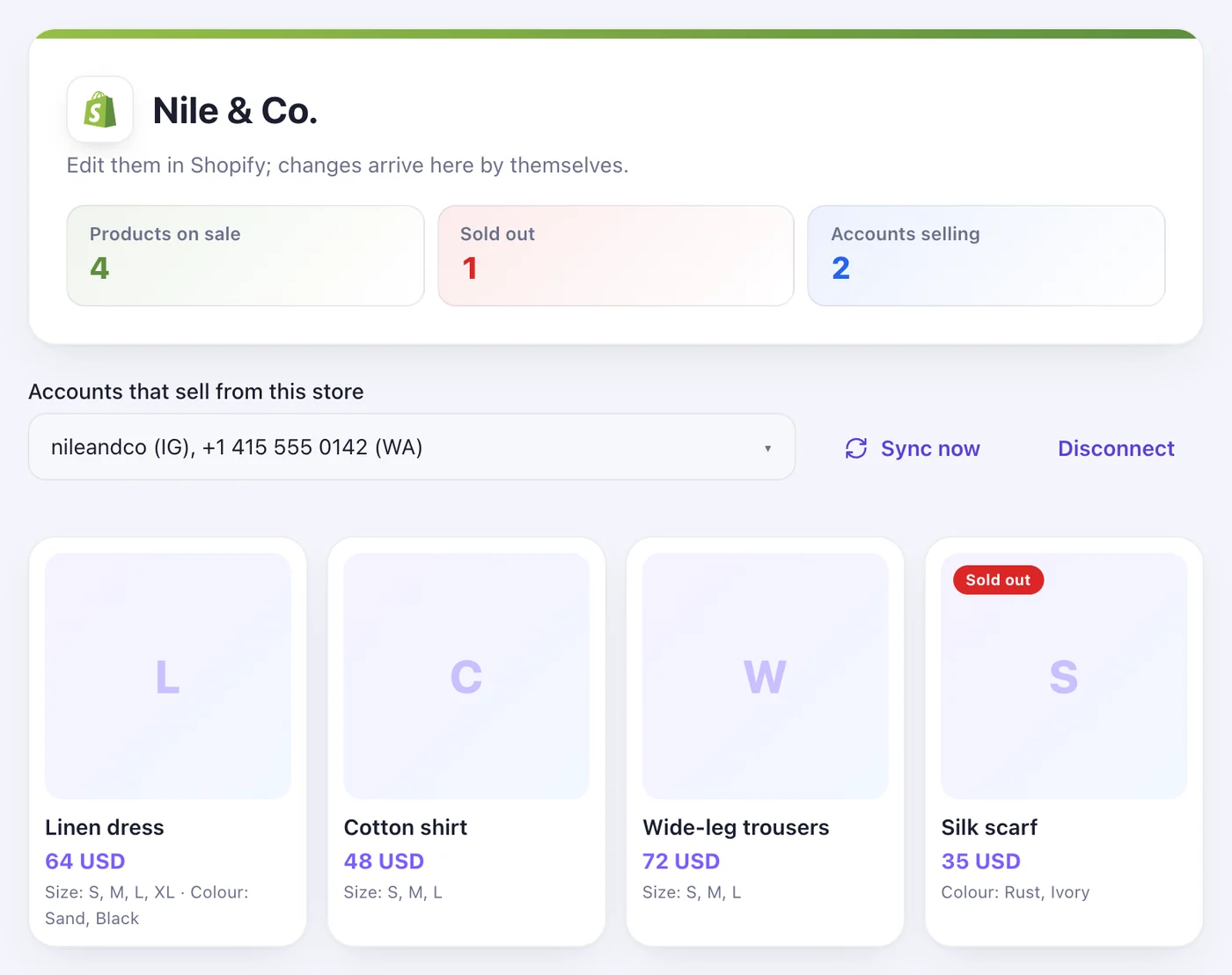
1Step 1
Type your store's address and press “Connect Shopify”
On the Store page, under “Connect a Shopify store”. There's no app to install — Speedy Text reads the catalogue your store already shows the public.
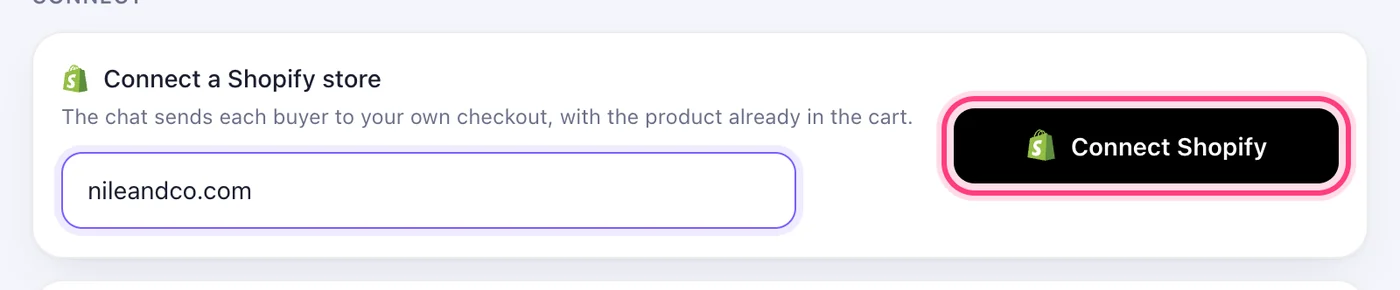

The chat sends each buyer to your own checkout, with the product already in the cart.
3 stepsOn the Store page, under “Connect a Shopify store”. There's no app to install — Speedy Text reads the catalogue your store already shows the public.
Under “Accounts that sell from this store”, tick the pages and numbers that should sell these products. A newly connected store sells on none until you tick them.
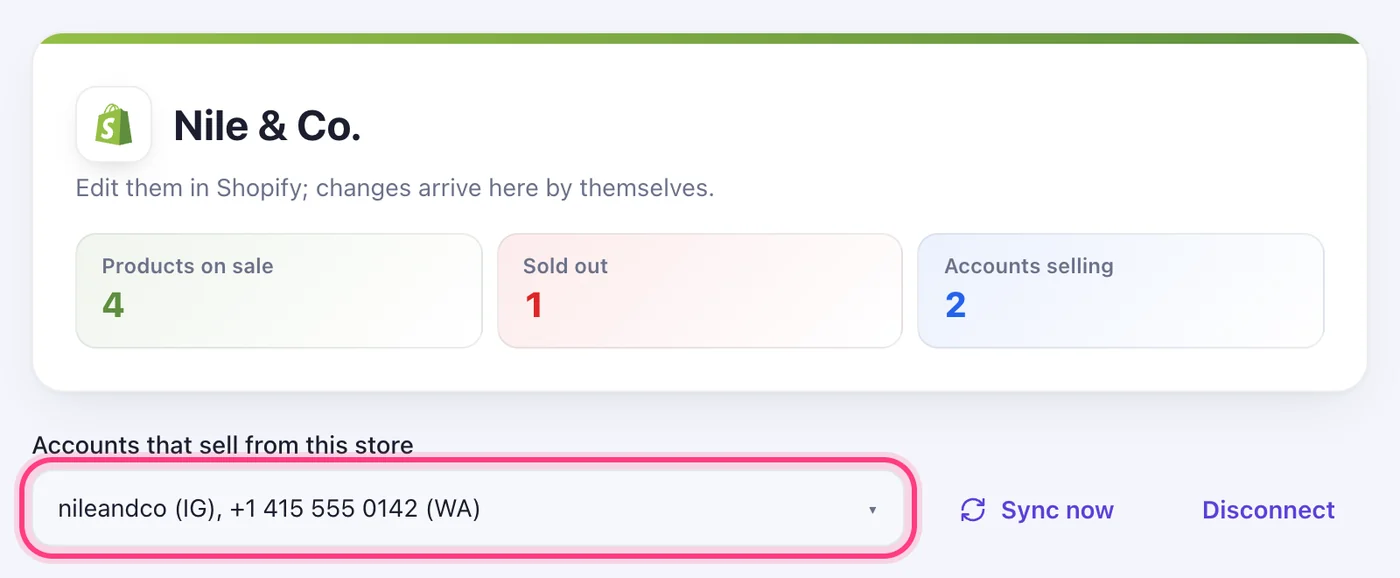
Edit them in Shopify; changes arrive here by themselves. “Sync now” brings them in straight away.