1Step 1
Open Orders
Every order the AI took, with the customer's details and where it stands. The counts at the top are filters: “Needs you”, “On the way”, “Done”.
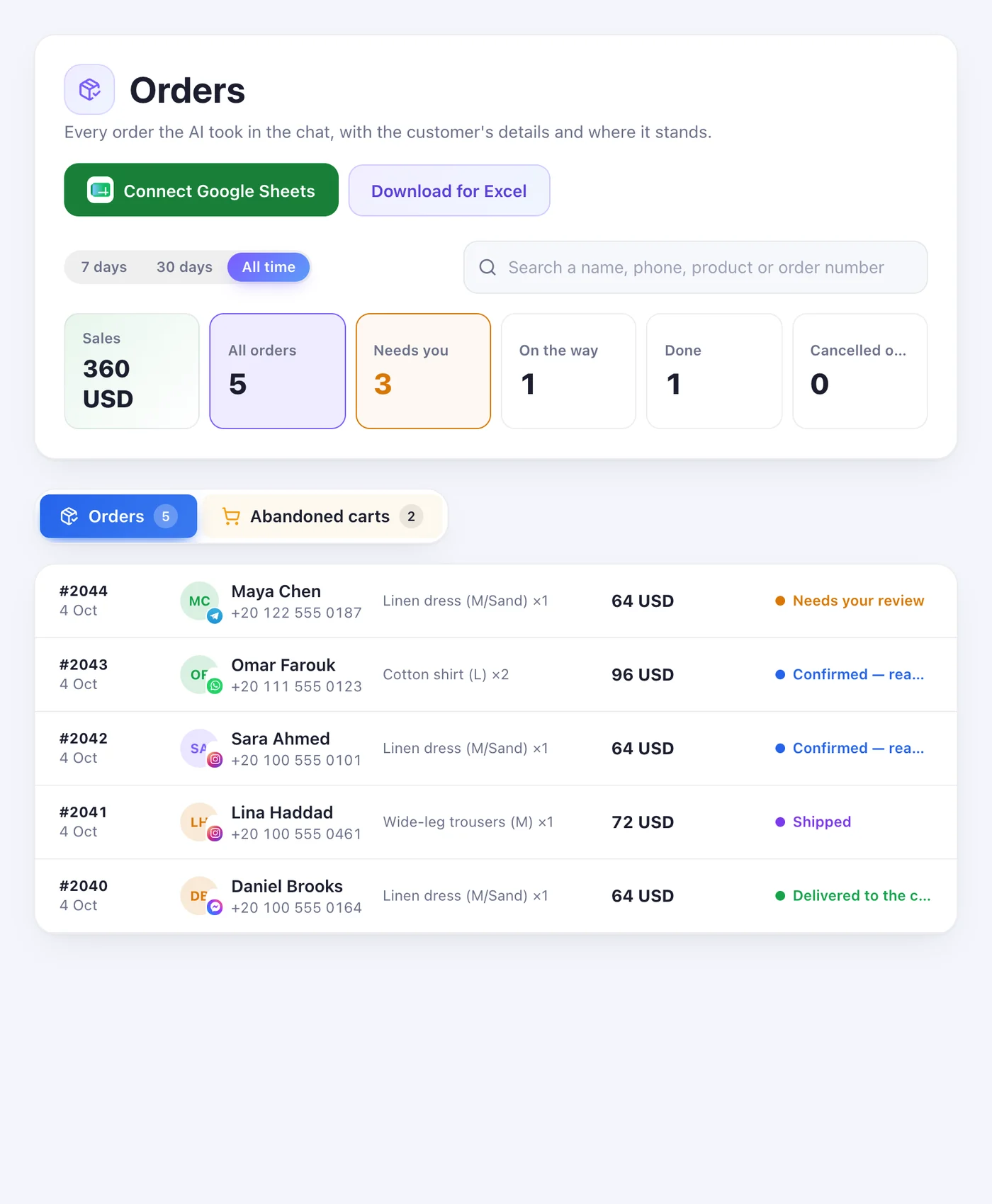
Every order the AI took in the chat — and every cart someone filled and didn't confirm.
4 stepsEvery order the AI took, with the customer's details and where it stands. The counts at the top are filters: “Needs you”, “On the way”, “Done”.
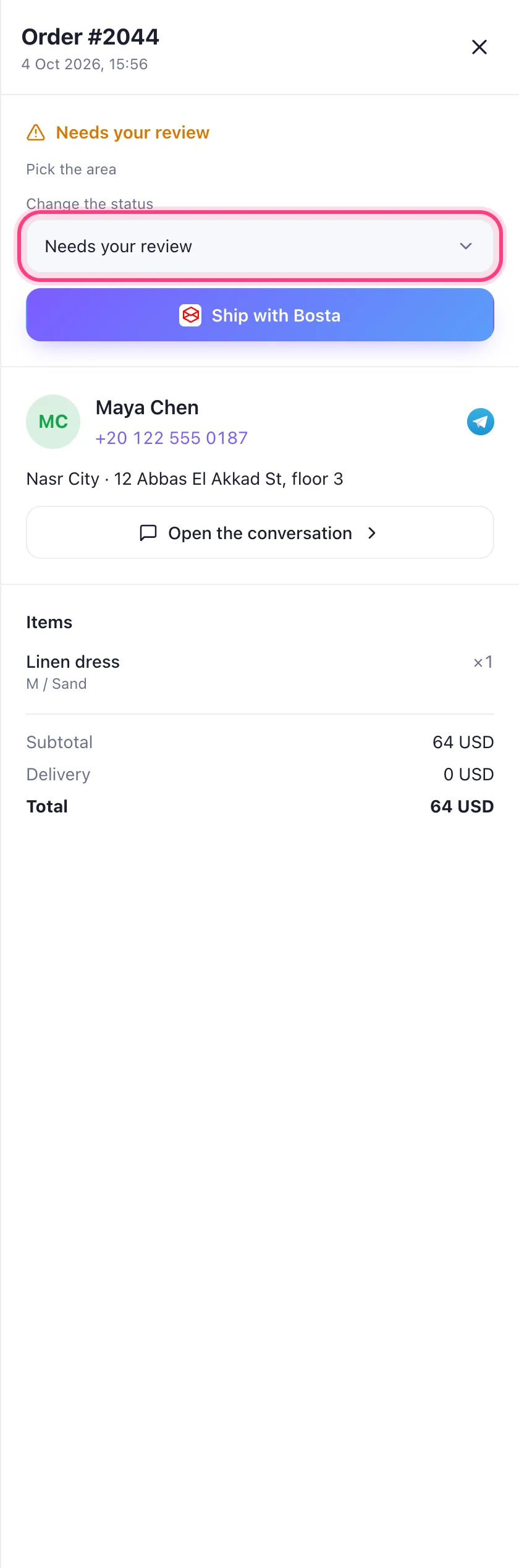
Press a row. You see the customer, the items and the totals, “Open the conversation”, and “Change the status”. “Needs your review” says why — an area to pick, for example.
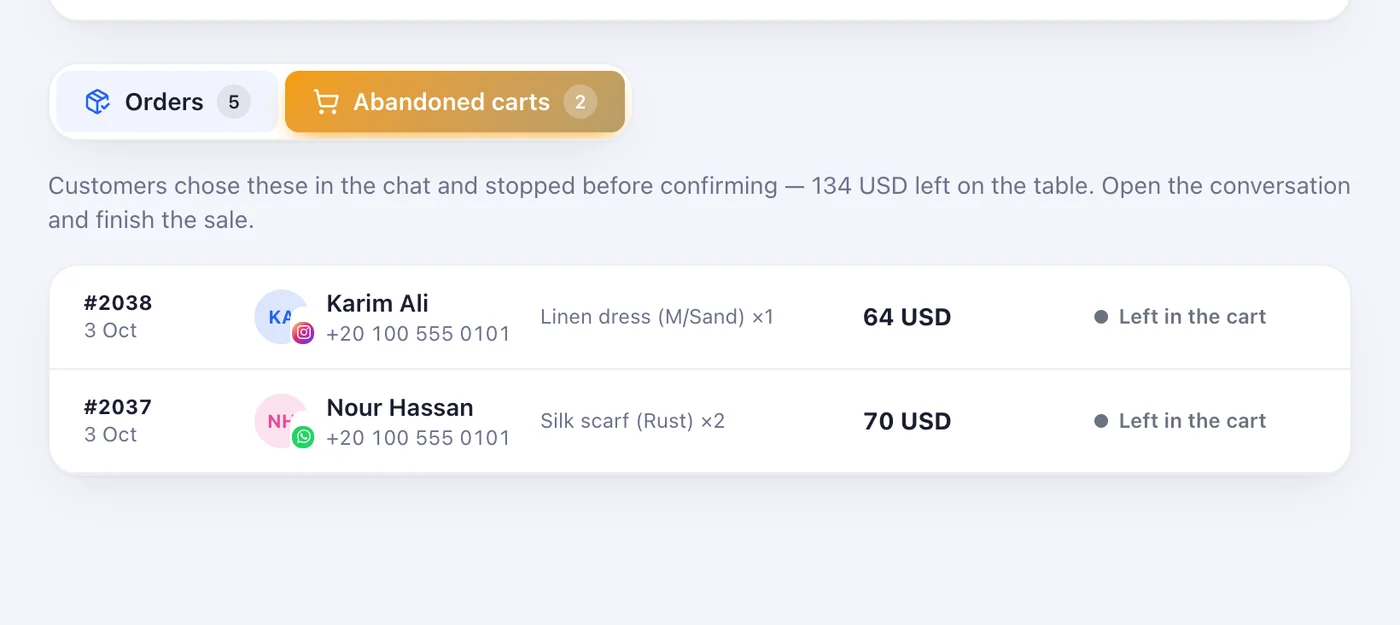
The “Abandoned carts” tab lists what customers chose in the chat and didn't confirm, and what it's worth. Open the conversation and finish the sale.
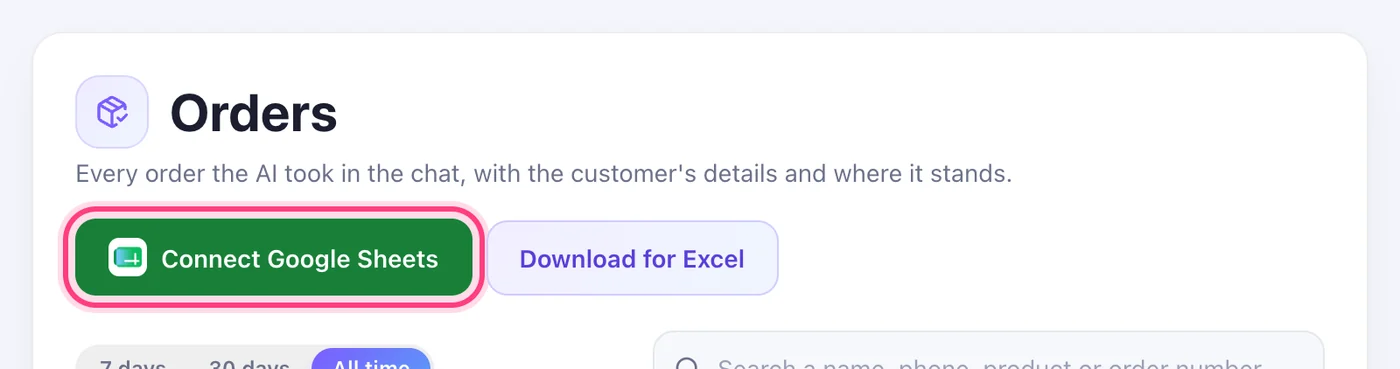
“Connect Google Sheets” keeps a sheet in your own Drive up to date with every order. Or press “Download for Excel” whenever you need it.