1Step 1
Settings → Booking → “Connect Google Calendar”
Booking is in the Settings menu. Only the workspace's owner can connect it.
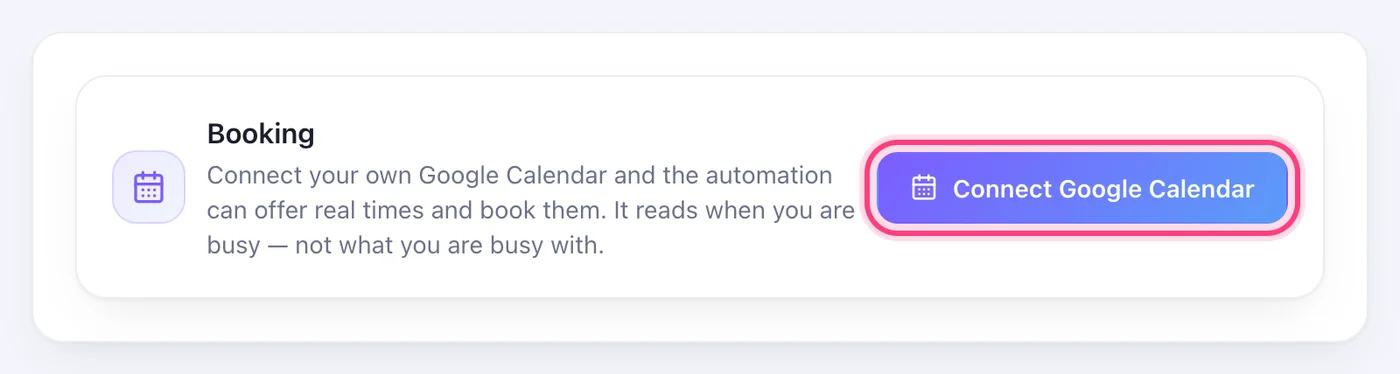

The AI offers the times you're really free in your own Google Calendar, and books the one they tap.
3 stepsBooking is in the Settings menu. Only the workspace's owner can connect it.
Google asks you to choose your account and allow access. Speedy Text reads when you're busy — never what you're busy with.
This step happens on another site, so it looks the way that site looks on the day.
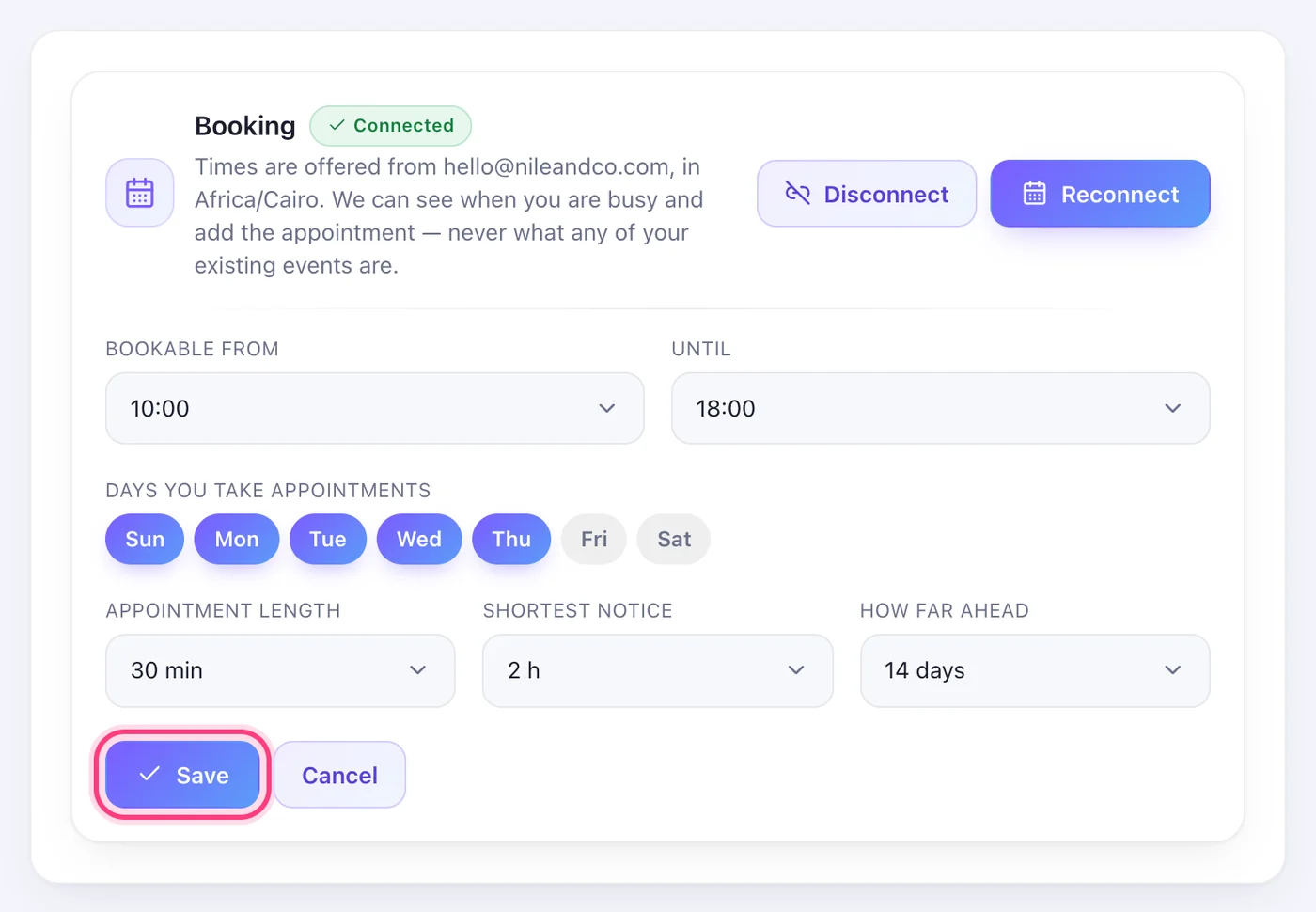
Allow it in GooglePress “Change”: the hours, the days you take appointments, the appointment length, the shortest notice and how far ahead. Then Save.