
1Step 1
Choose what reaches your email
Settings → Notifications. Tick what you want to hear about: a customer asking for a person, a new order, answers to your questions, replies waiting for your approval, messages that didn't go out.
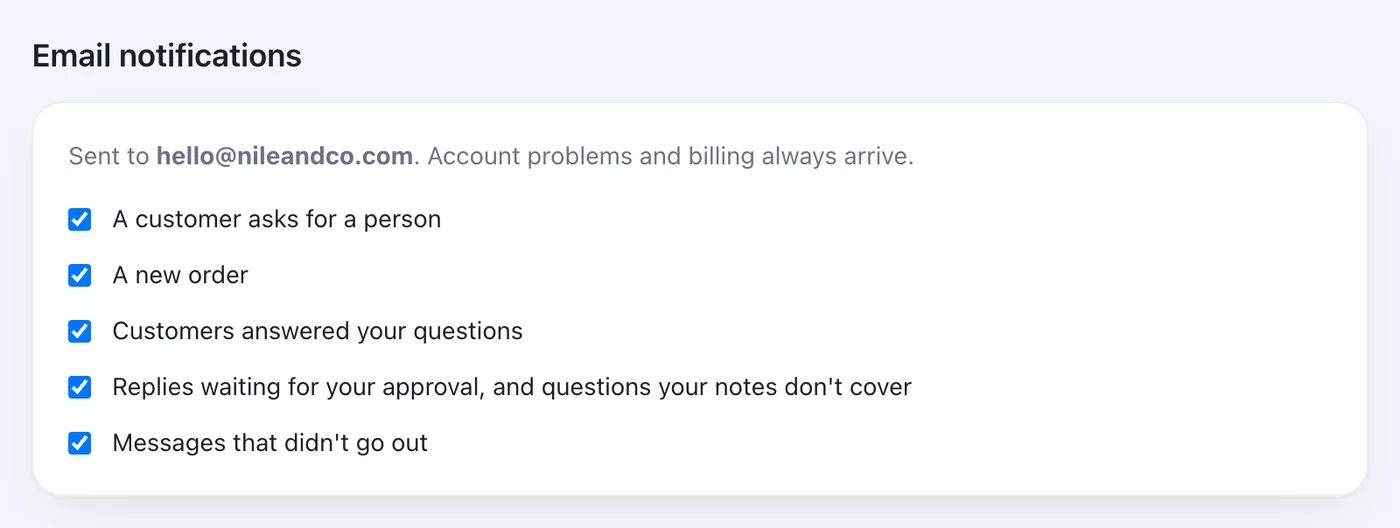
A message the moment a customer asks for you, an order comes in, or a reply didn't go out.
1 stepsSettings → Notifications. Tick what you want to hear about: a customer asking for a person, a new order, answers to your questions, replies waiting for your approval, messages that didn't go out.