1Step 1
Open “Welcome series” and press “New series”
It's a tab on the Email campaigns page.
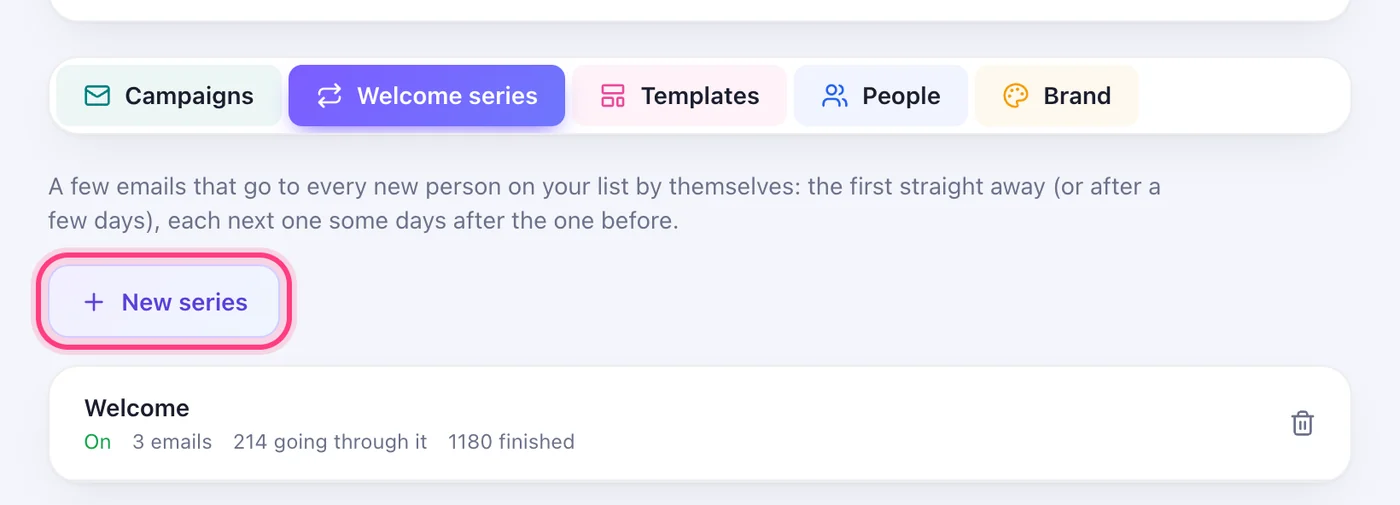
Everyone new on your list gets a short series in order — and a link in your bio lets people join on their own.
3 stepsIt's a tab on the Email campaigns page.
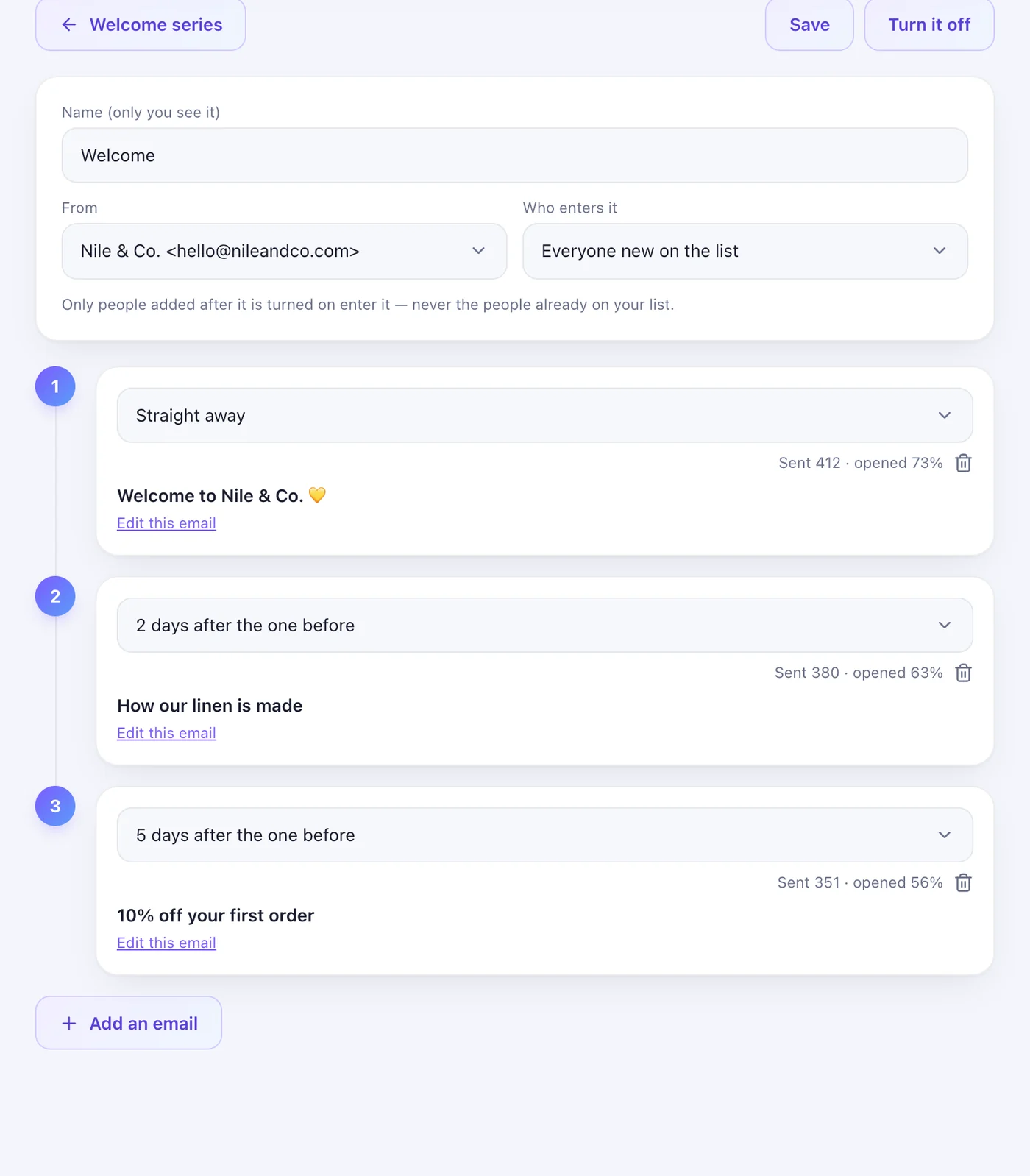
Give it a name, choose who it's from and who enters it — everyone new on the list, or new people with one label. Each email has its own delay: straight away, or a few days after the one before. Add up to ten, then “Turn it on”.
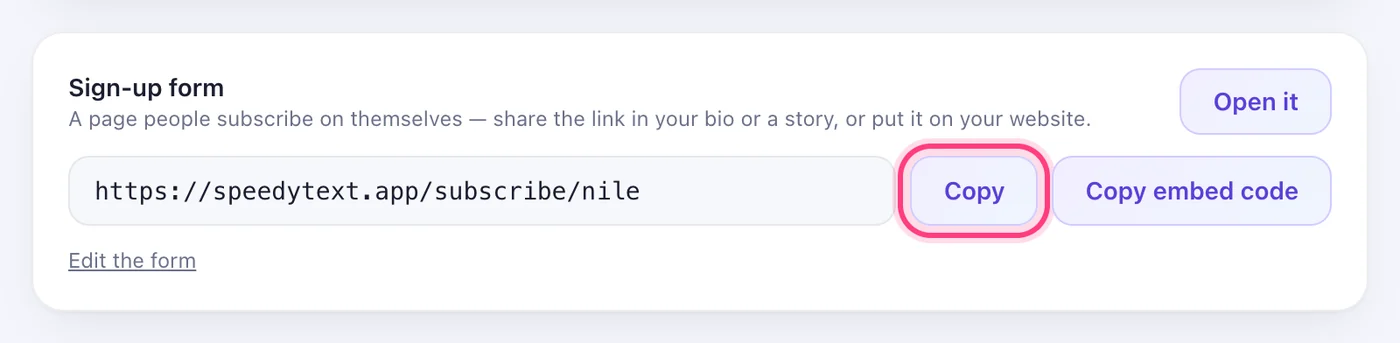
On the People tab, the “Sign-up form” is a page people subscribe on themselves. Copy its link for your bio or a story, or copy the embed code for your website. Asking them to confirm by email first keeps every address real.