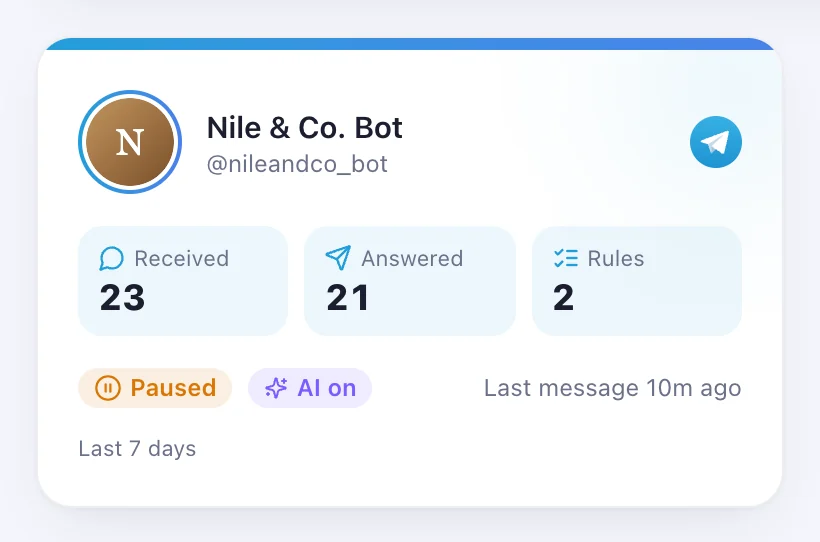
1Step 1
Open Accounts and press “Connect a channel”
Accounts is in the menu on the left; the button is at the top of the page.


Telegram Business: replies go out as you, from your own account, in the chats you choose.
4 stepsAccounts is in the menu on the left; the button is at the top of the page.
It's in the Telegram card, under “Or your own account (Telegram Business)”. Telegram opens — press Start. The link works for one hour.
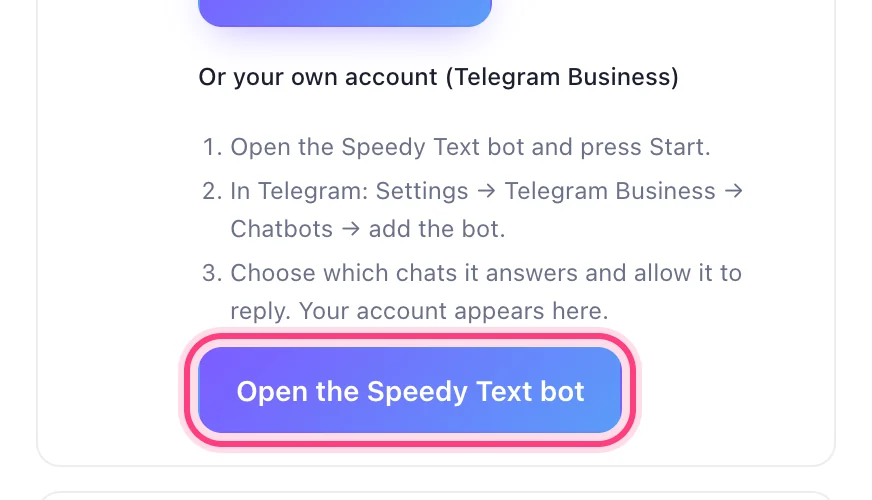
In Telegram: Settings → Telegram Business → Chatbots → add the bot. Choose which chats it answers and allow it to reply.
This step happens on another site, so it looks the way that site looks on the day.
Add the bot in Telegram BusinessIt shows on your Accounts page, and the bot confirms in Telegram.