1Step 1
Open Accounts and press “Connect a channel”
Accounts is in the menu on the left; the button is at the top of the page.


Your own bot answering everyone who writes to it — with buttons, and no 24-hour limit.
4 stepsAccounts is in the menu on the left; the button is at the top of the page.
In Telegram, open @BotFather and send /newbot. Give it a name, then a username ending in “bot”. BotFather answers with a token — a long line of numbers and letters. Copy it.
This step happens on another site, so it looks the way that site looks on the day.
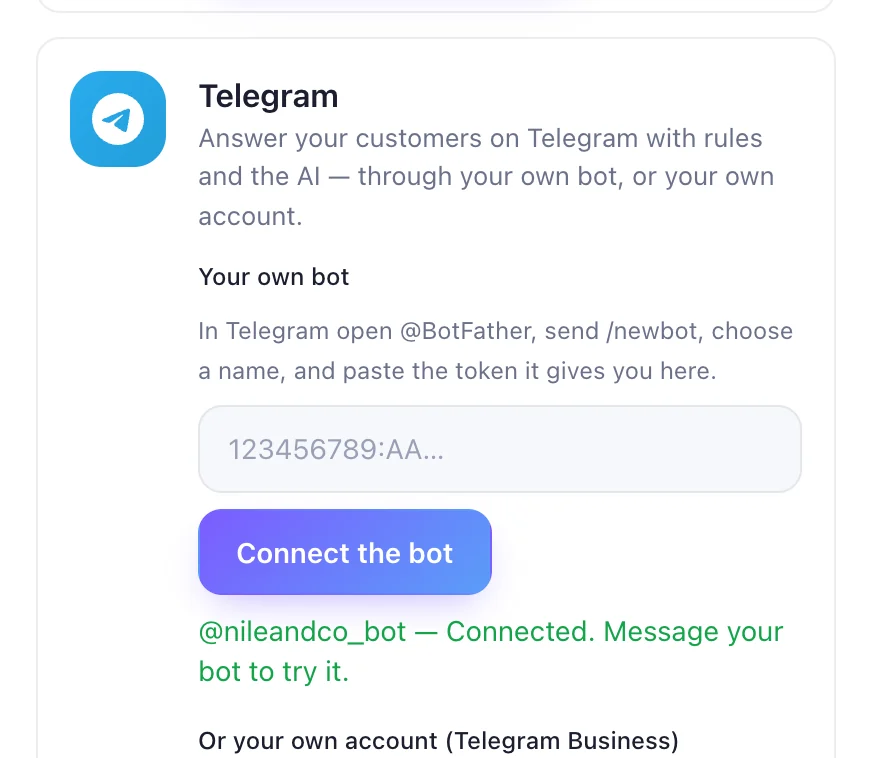
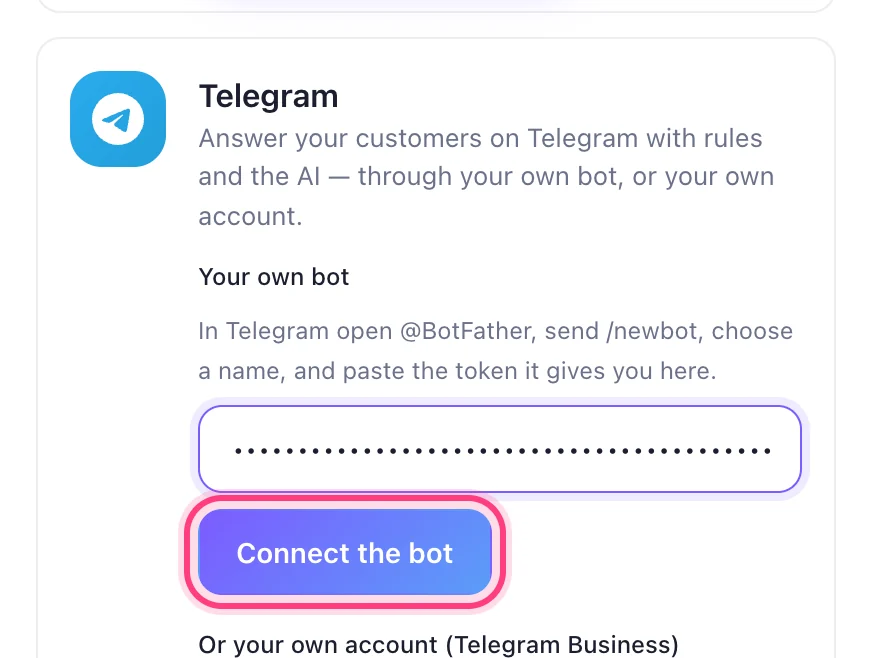
Make a bot with @BotFatherBack in the Telegram card, under “Your own bot”, paste the token and press “Connect the bot”.
Your bot's name appears with “Connected”. Write to it from your phone to see it answer.