1Step 1
Make an API key in EasyOrders
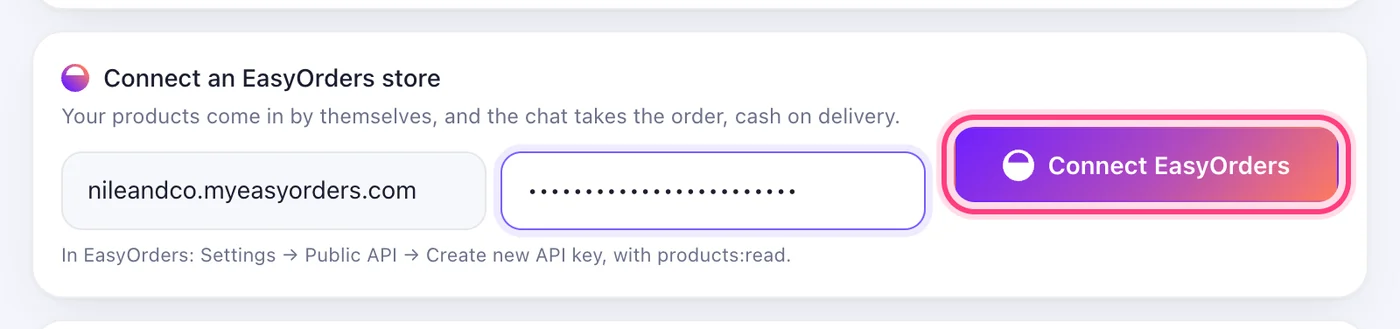
In EasyOrders: Settings → Public API → Create new API key, with products:read. Copy it.
This step happens on another site, so it looks the way that site looks on the day.
 Make an API key in EasyOrders
Your products come in by themselves, and the chat takes the order, cash on delivery.
3 stepsIn EasyOrders: Settings → Public API → Create new API key, with products:read. Copy it.
This step happens on another site, so it looks the way that site looks on the day.
Make an API key in EasyOrdersOn the Store page, under “Connect an EasyOrders store”, write your store's address and paste the key.
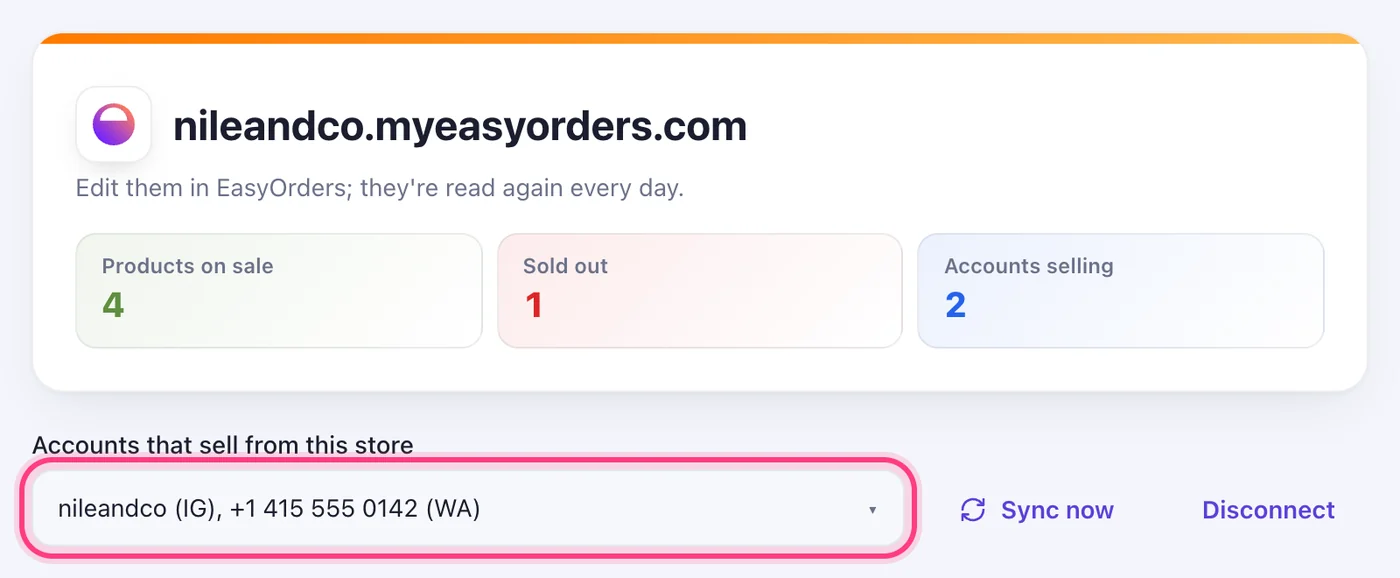
Under “Accounts that sell from this store”, tick the pages and numbers that should sell. Edit your products in EasyOrders; they're read again every day.