1Step 1
Open Accounts and press “Connect a channel”
Accounts is in the menu on the left; the button is at the top of the page.

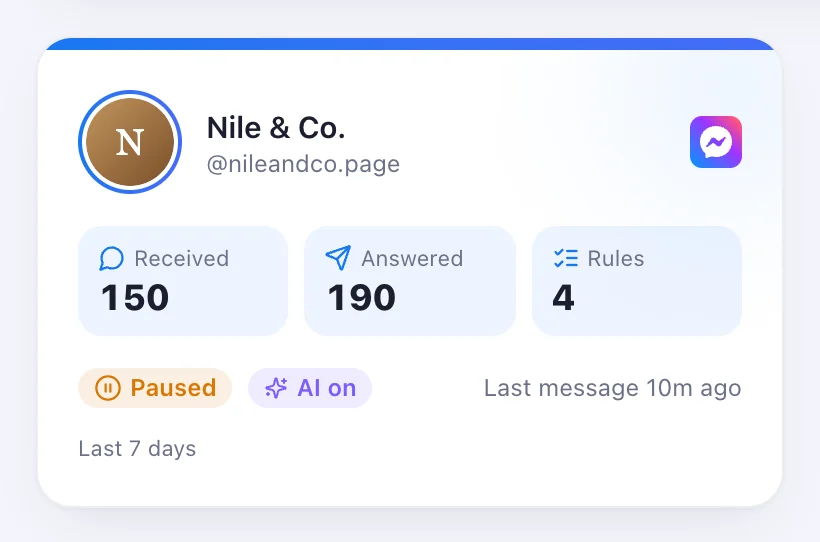
Your Page answering comments and Messenger chats.
4 stepsAccounts is in the menu on the left; the button is at the top of the page.
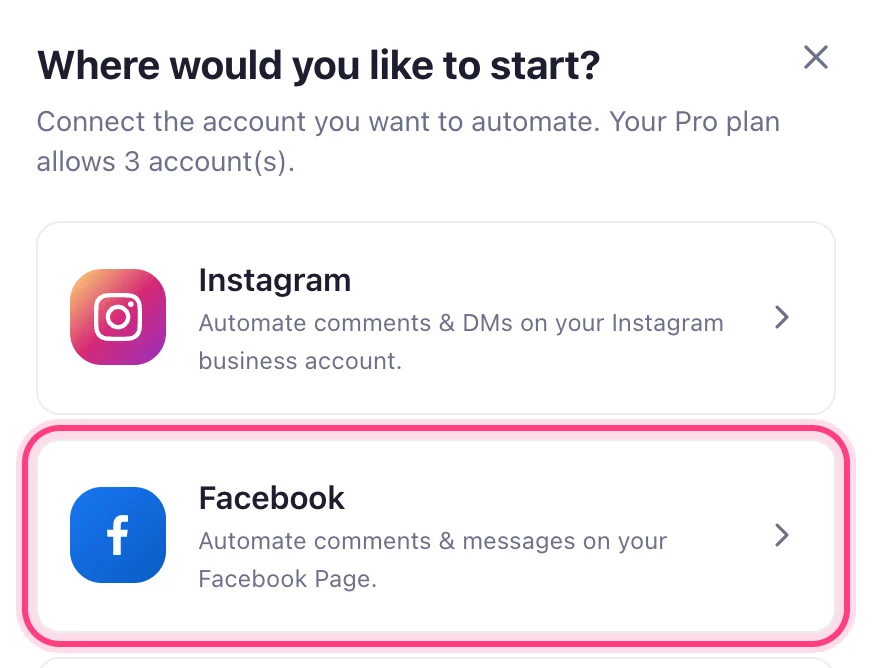
Press Facebook in the window that opens. You need to be an admin of the Page.
Tick the Page you want answered and allow what Facebook asks for. Tick any Page you connected before as well — Facebook keeps only what is ticked this time, and a Page left unticked stops being answered.
This step happens on another site, so it looks the way that site looks on the day.
It appears on your Accounts page. Open it to write rules for its posts and its Messenger chats.