1Step 1
Press “Connect Bosta”
It's on the Store page. Only the workspace's owner can connect it.


Each order booked with a courier, cash on delivery, and the customer gets the tracking number in the chat.
4 stepsIt's on the Store page. Only the workspace's owner can connect it.
On Bosta's dashboard: Settings → API Integration. Copy the key.
This step happens on another site, so it looks the way that site looks on the day.
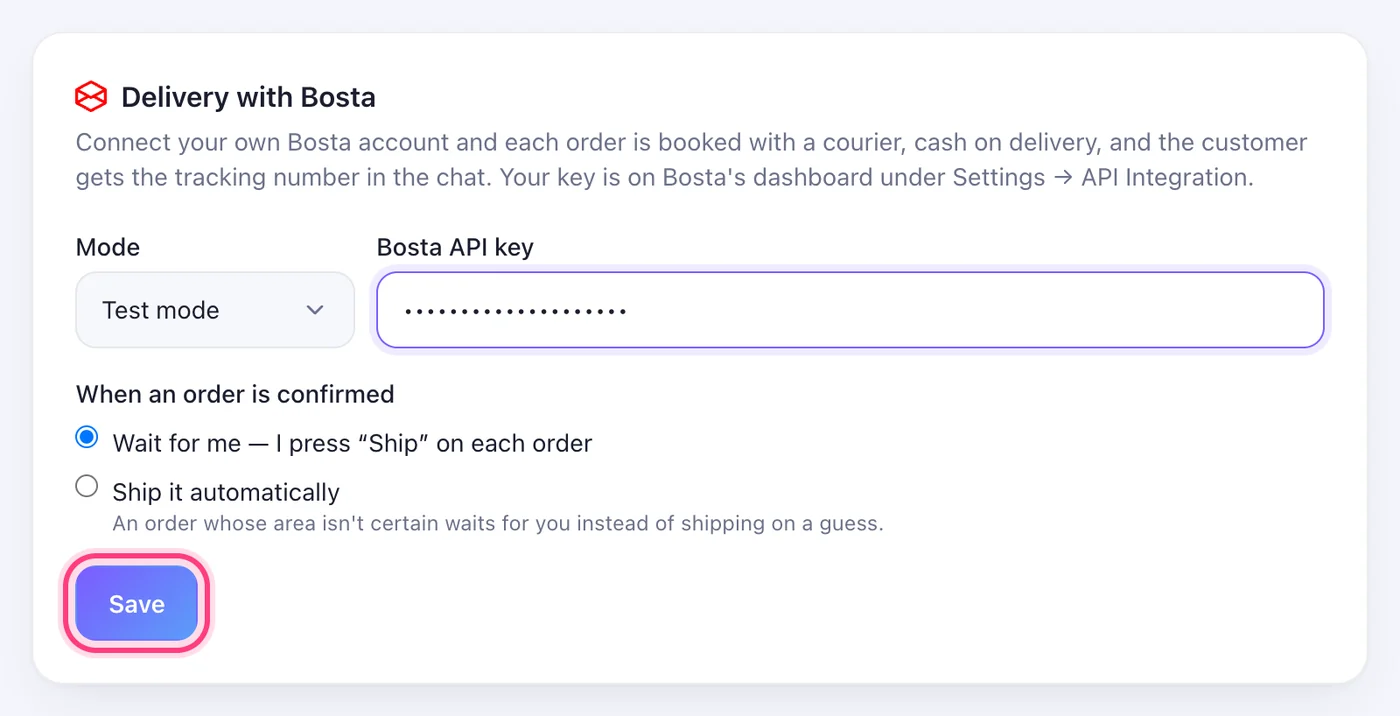
Copy your key from BostaStart in Test mode — Live mode books real couriers. Under “When an order is confirmed”, choose “Wait for me — I press “Ship” on each order”, or “Ship it automatically”.
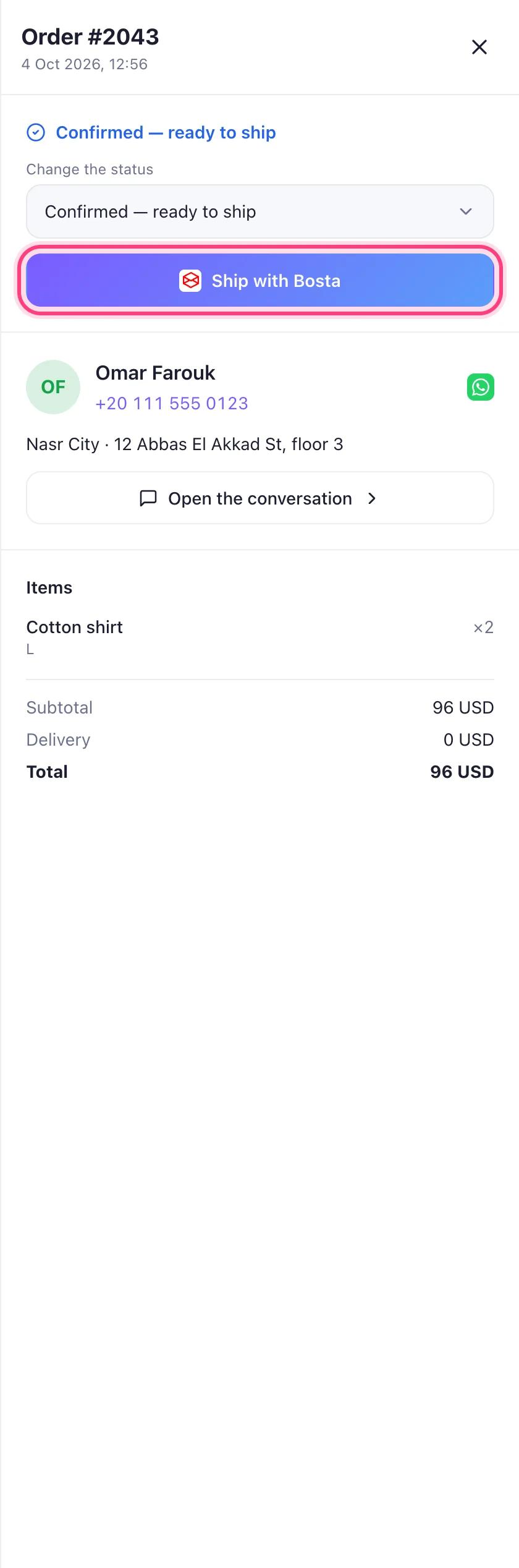
Open the order on your Orders page and press “Ship with Bosta”. The tracking number and the label appear on the order, and the customer is told in the chat.