
Comments under your videos, answered in public — from your rules or your notes.
Step 1
Open Accounts and press “Connect a channel”
Accounts is in the menu on the left; the button is at the top of the page.

Step 2
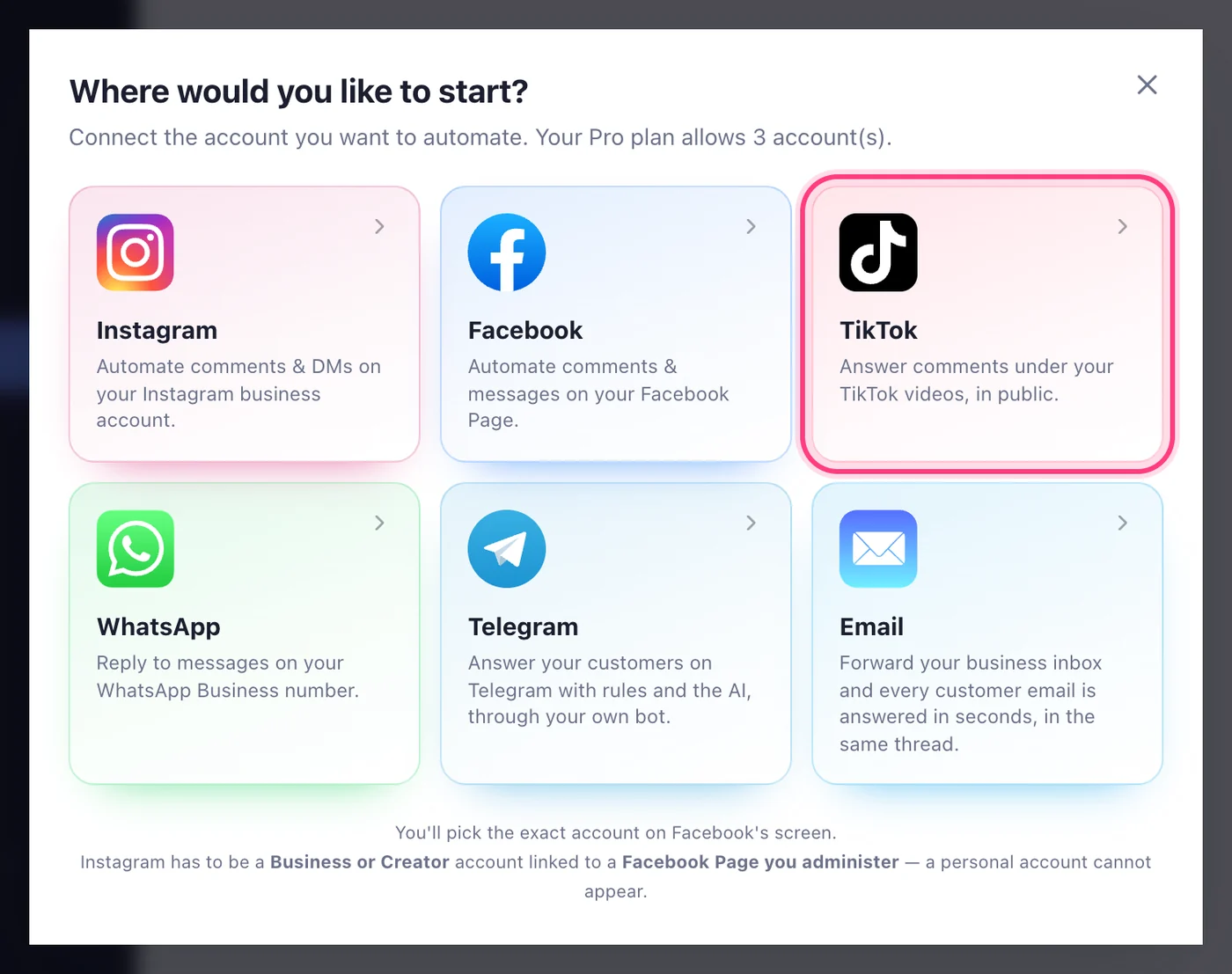
Press TikTok
In the list, press TikTok. TikTok's own page opens.
Step 3
Approve on TikTok's screen
Sign in to TikTok if it asks, check it's the account you post from, and press Authorize. We never see your TikTok password.
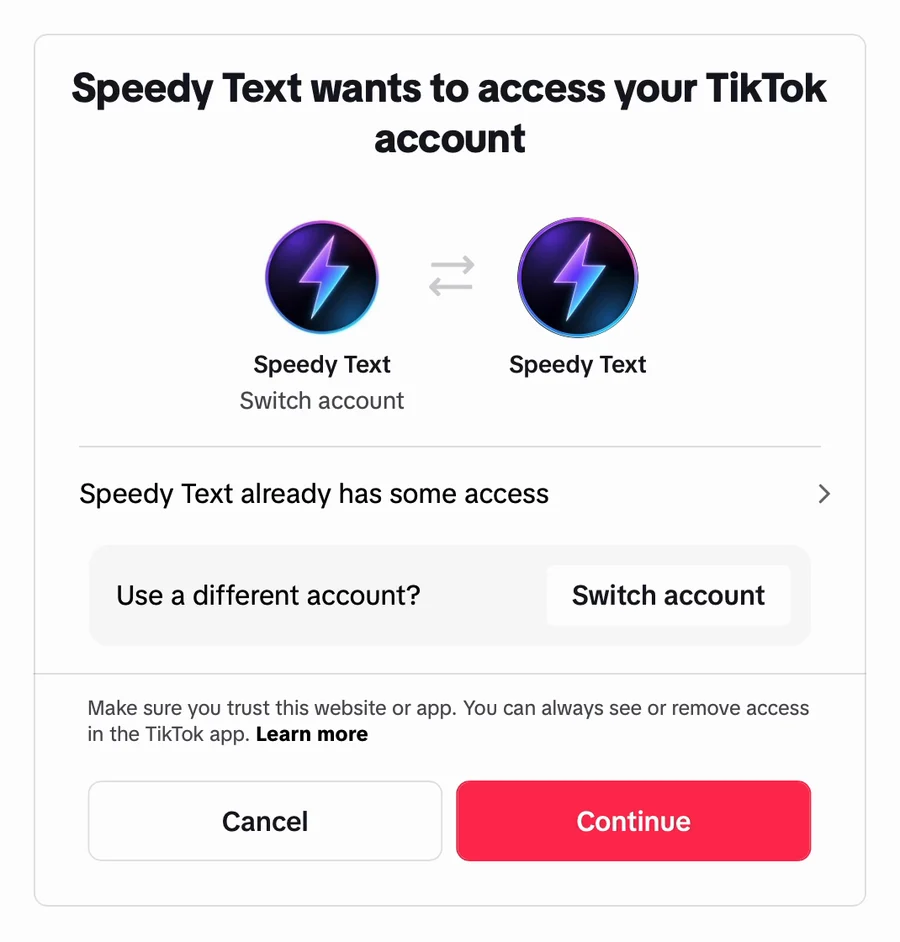
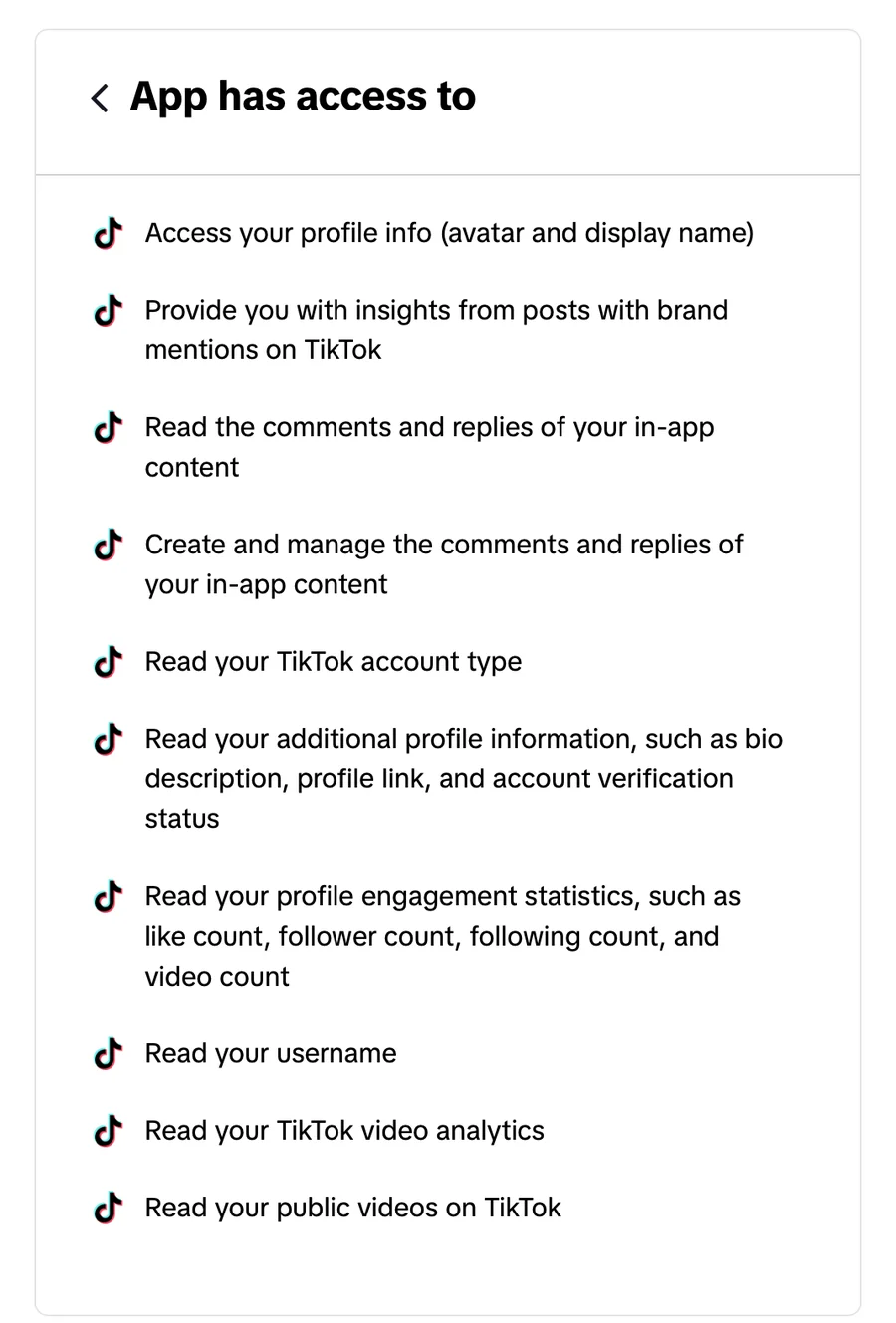
This step happens on another site, so it looks the way that site looks on the day.
Step 4
Done — it's connected
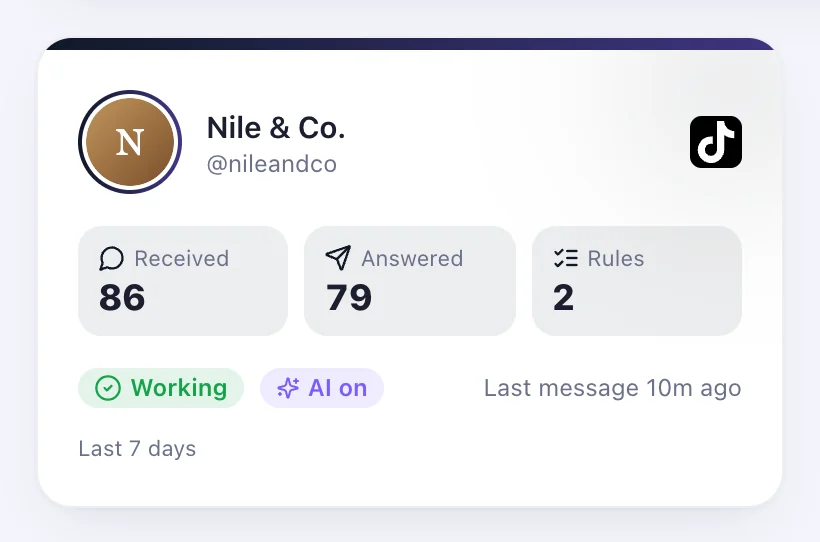
You're back on Accounts with “TikTok connected”, and the account shows with its @handle and photo. Next, add a rule on it.
Worth knowing
- TikTok doesn't let apps send direct messages yet, so a TikTok account answers comments only — in public, under the comment.
- TikTok passes a comment on within a few minutes of it being written, so the reply follows a few minutes later.
- An account can be connected to one Speedy Text account at a time, and it counts as one of your plan's connections.
Was this article helpful?