
Connect your own AI once, then make rules, write your notes and read your numbers by talking to it.
Step 1
Open AI apps
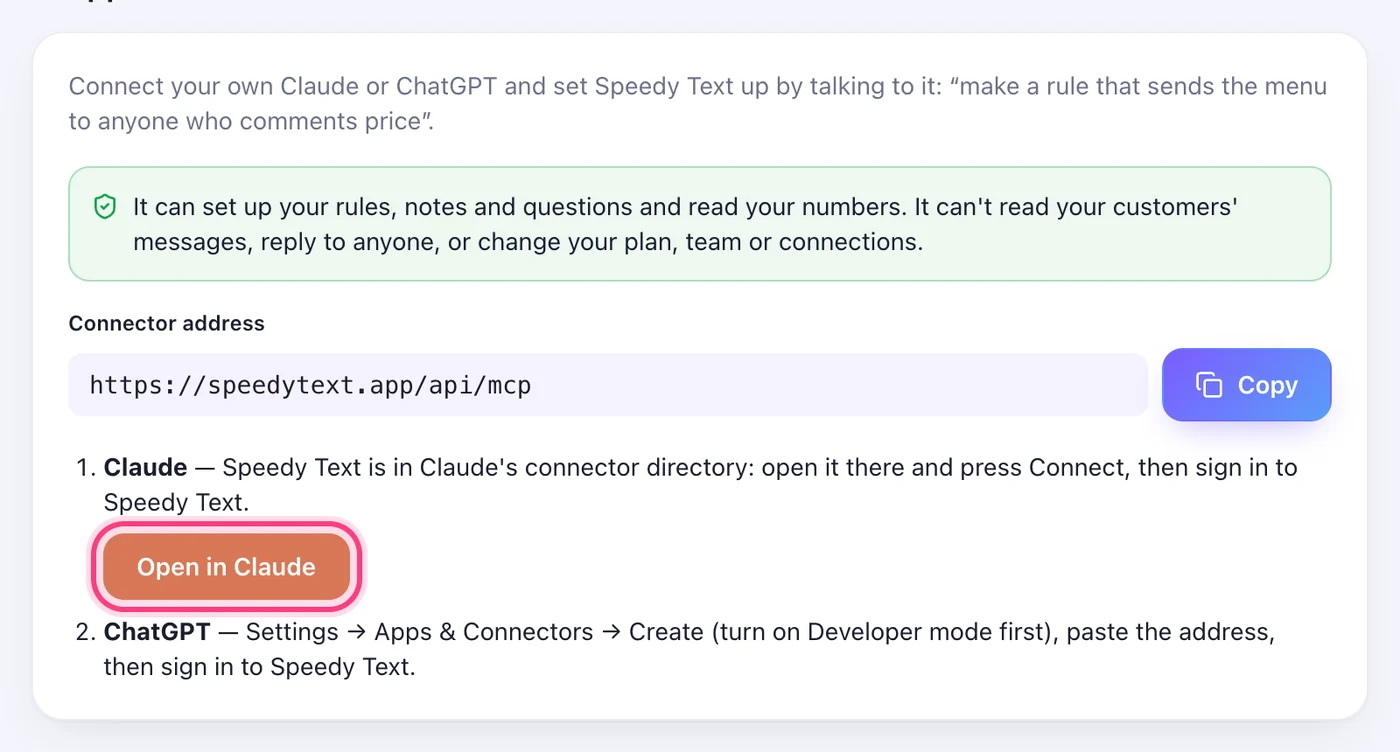
Settings → AI apps. “Open in Claude” takes you to Speedy Text in Claude's directory; for ChatGPT, press “Copy” next to https://speedytext.app/api/mcp.
Step 2
Add it in your AI app
Claude: Speedy Text is in Claude's connector directory — open claude.ai/directory/connectors/speedy-text (or Settings → Connectors → Browse and search Speedy Text) and press Connect. ChatGPT: Settings → Apps & Connectors → Create (turn on Developer mode first) and paste the address.
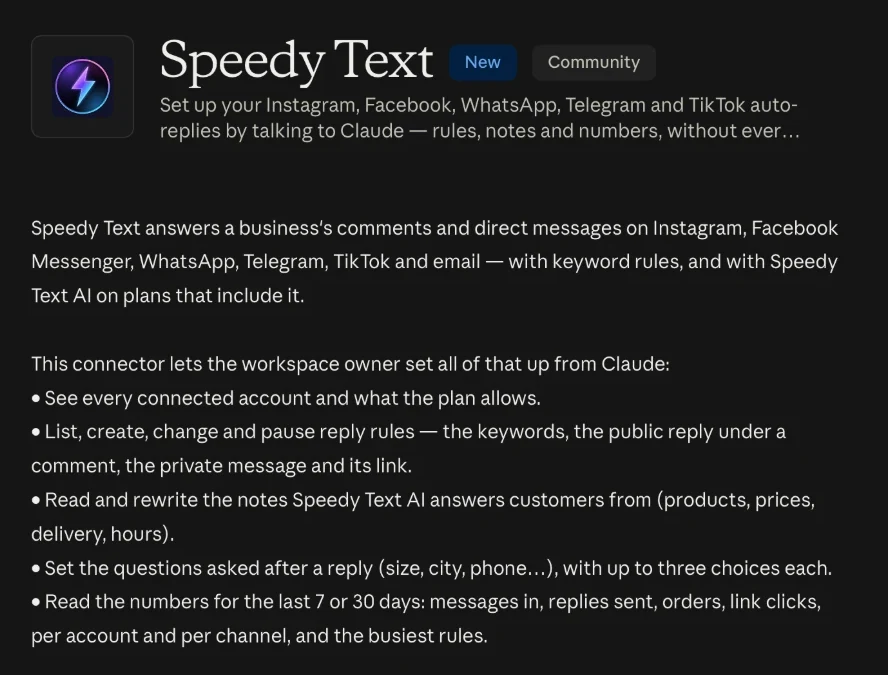
This step happens on another site, so it looks the way that site looks on the day.
Step 3
Sign in to Speedy Text and allow it
Your AI app opens the Speedy Text sign-in. Sign in as usual and press Allow. You get an email the moment an app is connected.
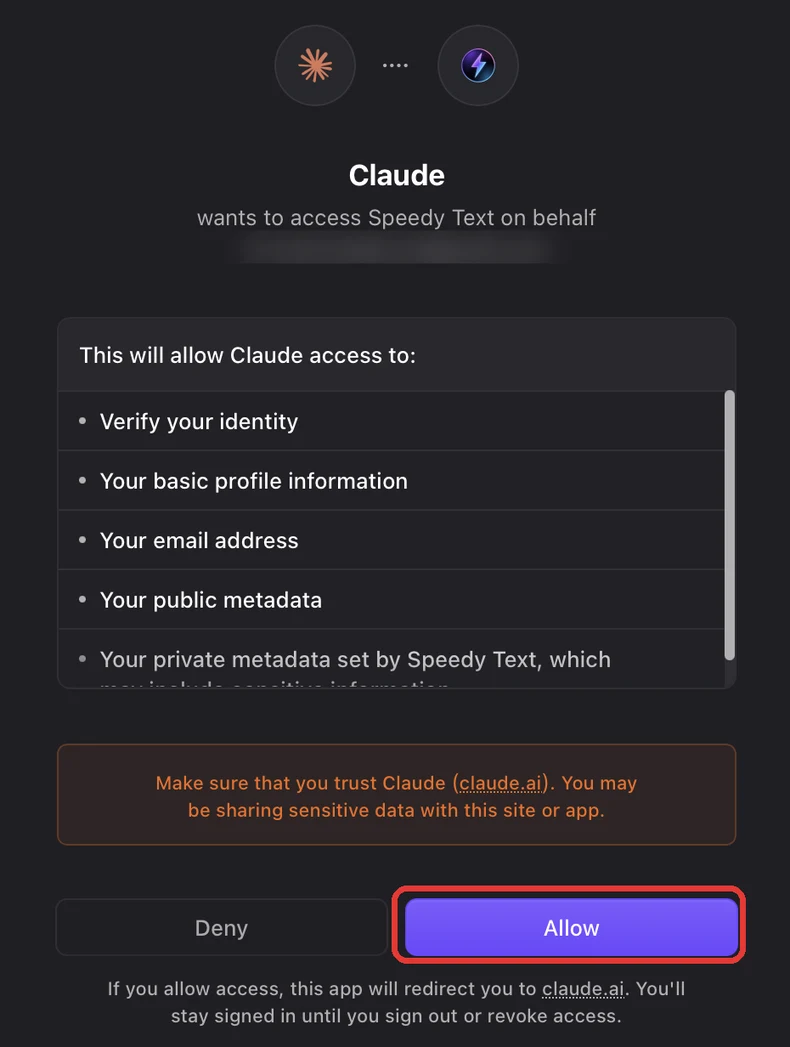
This step happens on another site, so it looks the way that site looks on the day.
Step 4
Ask in your own words
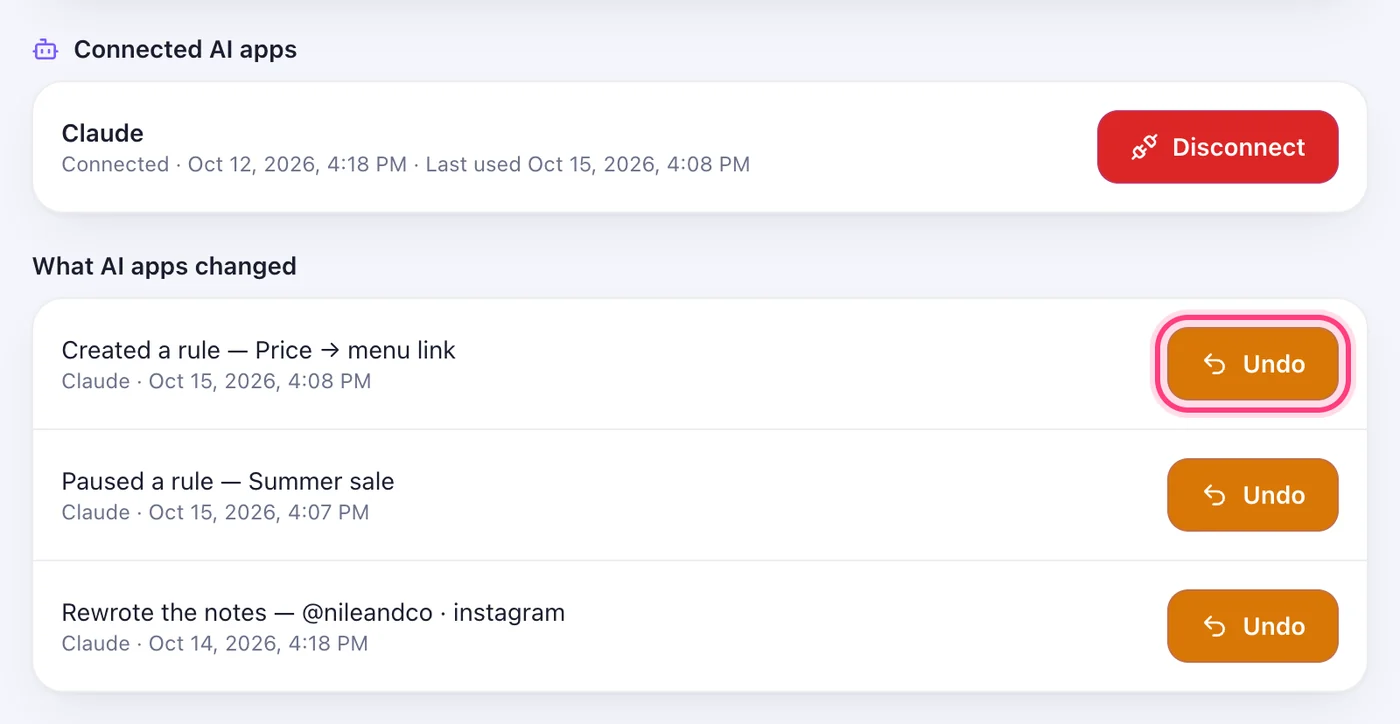
For example: “Show my accounts”, “Make a rule on Instagram that sends the menu link to anyone who comments price”, “Pause the Ramadan rule”, “How many replies went out this week?”. It shows you the wording and asks before it saves anything. Each rule it makes or changes then says “by Claude” beside it, with Undo.
Worth knowing
- It can read your accounts, rules, notes and numbers, write and pause rules, and write your notes and default questions. It cannot read your customers' messages, reply to anyone, delete anything, or change your plan, team, connections or settings.
- A rule it makes or changes says so beside the rule, with an Undo button; changes to your notes and questions are listed under Settings → AI apps, where “Disconnect” cuts the app off at once.
- Your plan's limits are the same as in the app: notes come with Speedy Text AI, questions with Pro and above.
- Free on every plan. Only the workspace owner can connect an AI app.
Was this article helpful?