
One short message an hour later, in your voice, with “Continue order” under it.
Step 1
Switch it on in the Store
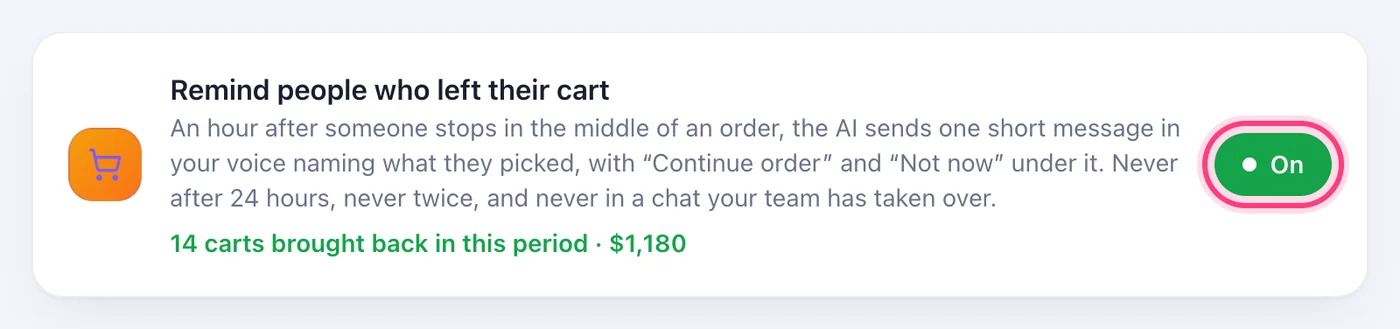
On the Store page, the card “Remind people who left their cart” has an On / Off button. It is off until you turn it on.
Step 2
What the customer gets
An hour after someone stops in the middle of an order — a cart in the chat, or a Shopify checkout link they didn't pay — the AI writes one short message in your voice naming what they picked, with “Continue order” and “Not now” under it. “Continue order” picks up exactly where they stopped.
Step 3
See what came back
The same card shows how many carts came back after a reminder in the period, and what they were worth.
Worth knowing
- Once per cart, never after 24 hours (the platforms don't allow it), and never in a chat your team has taken over.
- The AI's usual three-hour follow-up isn't sent to someone who got the cart reminder, so nobody gets two messages.
Was this article helpful?