
Each step is one reason replies stop, where you see it, and what to press.
Your plan has ended, or its contacts are used up
A red “Your plan has ended” bar at the top of every page: press “Renew your plan”. If the bar says “Your contacts have run out — new people aren't being answered”, move up a plan, or allow extra people on Billing under “When you pass your plan”. People already answered this month still are. On Free, the 25 people come only once.
The account lost its connection to Meta
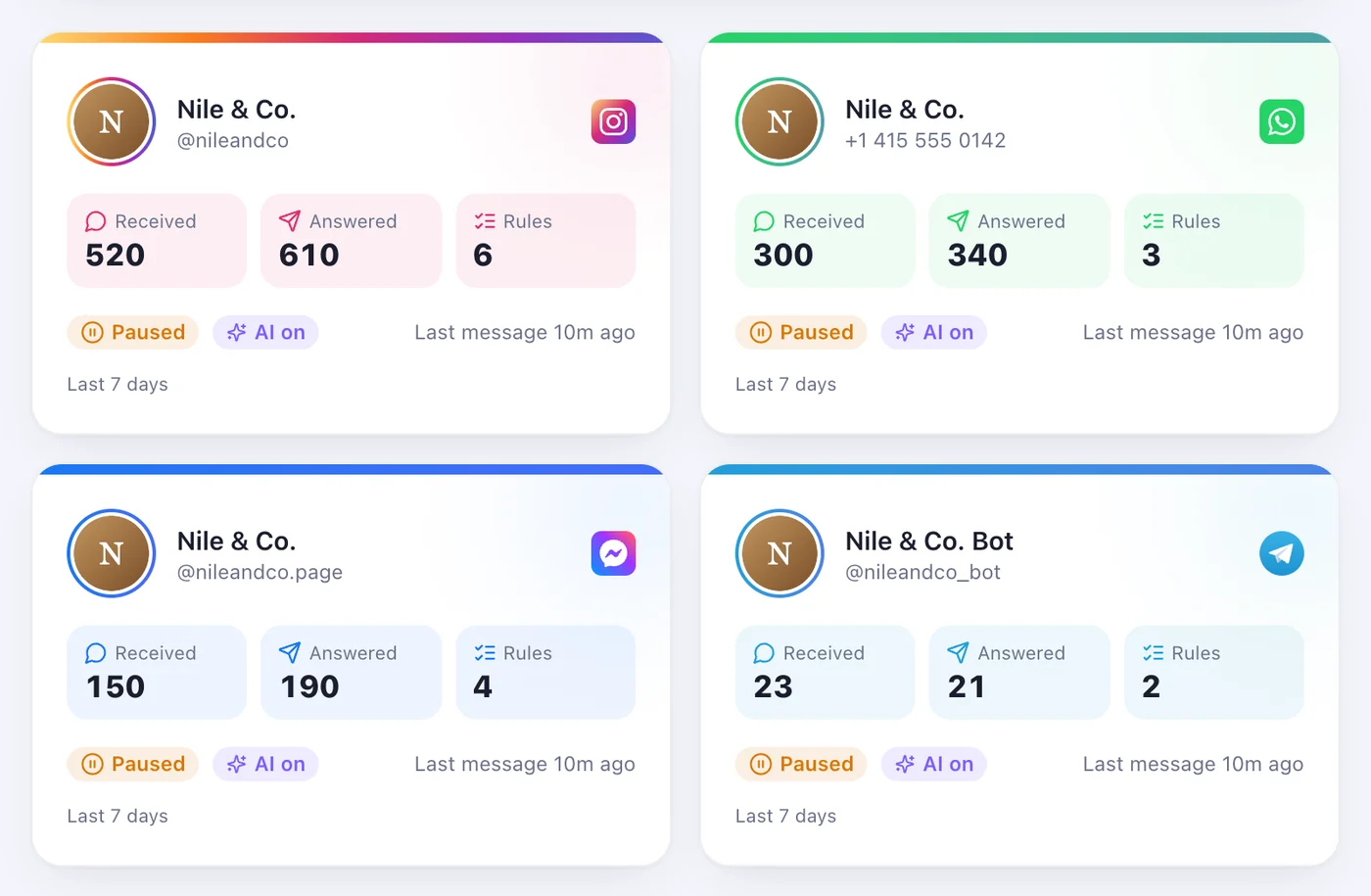
The bar at the top says “Your automation has stopped — reconnect to resume”, the account's card says “Reconnect”, and we email you. Press “Connect a channel” on Accounts and connect the same account again: its rules and history are kept.
Facebook dropped a Page when you reconnected
When you connect through Facebook, it keeps only the Pages and Instagram accounts you tick that time. A Page you'd connected before and left unticked stops being answered, and the same reconnect bar appears. Connect again and tick every Page you use.
The account is paused
On the account's page, the switch at the top reads “Working” or “Paused”. A paused account answers nobody — turn it back on.
The rule is switched off
On the account's Rules tab every rule has its own switch, and inside the rule there's “Active”. A rule that is off answers nobody.
The words don't match
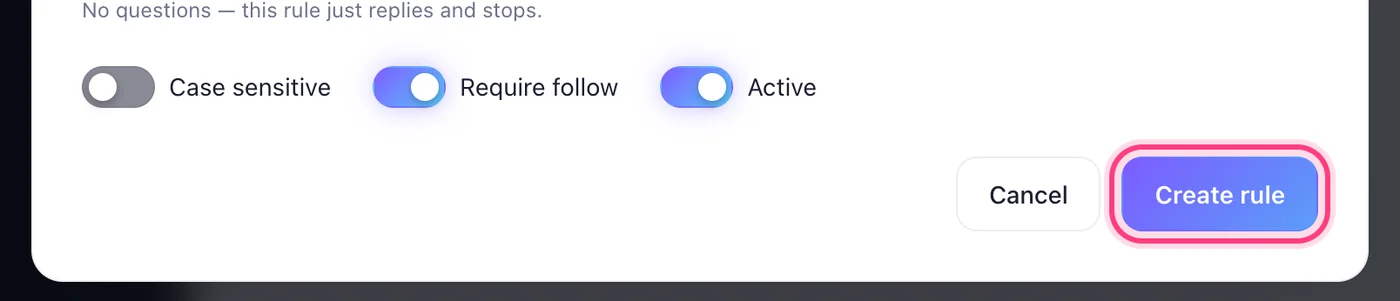
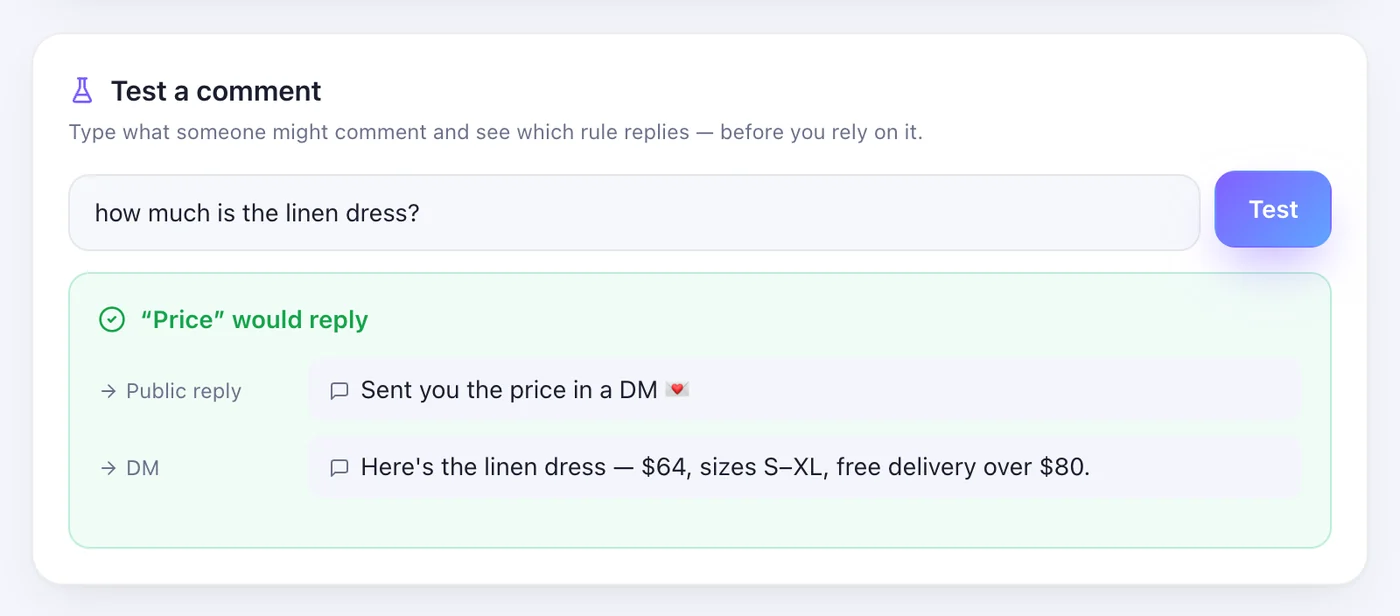
With “Contains”, the comment has to include one of the keywords; “Exact” and “Starts with” are stricter, and “Case sensitive” tells capitals apart. Check “Trigger on” (comments, messages or both) and whether the rule is for one “Specific post”. Type the real comment into “Test a comment” and press “Test” — it shows which rule answers, if any.
They were already answered, or it's your own account
Each person gets one answer per post, however many times they comment. Comments from your business's own account are never answered. Test from another account, on a post it hasn't commented on.
They don't follow you (Instagram)
With “Require follow” on, someone who doesn't follow you gets a message asking them to follow, with a button to check again — the link comes once they do. If everyone should get it, turn off “Require follow” in the rule, or the “Follow-gate” switch on the account's Messages tab.
Instagram isn't letting messages through
Comments are answered but DMs aren't: Activity lists them under “Not delivered”, and we email you “Your DMs are not going out”. In the Instagram app open Settings → Messages and story replies → Connected tools and turn on “Allow access to messages”, then press “Resync” in the account's ⋯ menu.
Meta's 24-hour window, or a short limit
If Activity says “Meta's 24-hour reply window had already closed for this person.”, Meta only lets a business message someone for 24 hours after they last wrote; when they write again, it opens again. If Meta is limiting how fast the account can send, Activity says it's waiting, and the reply goes as soon as the limit lifts — nothing to do.
The customer asked for a person
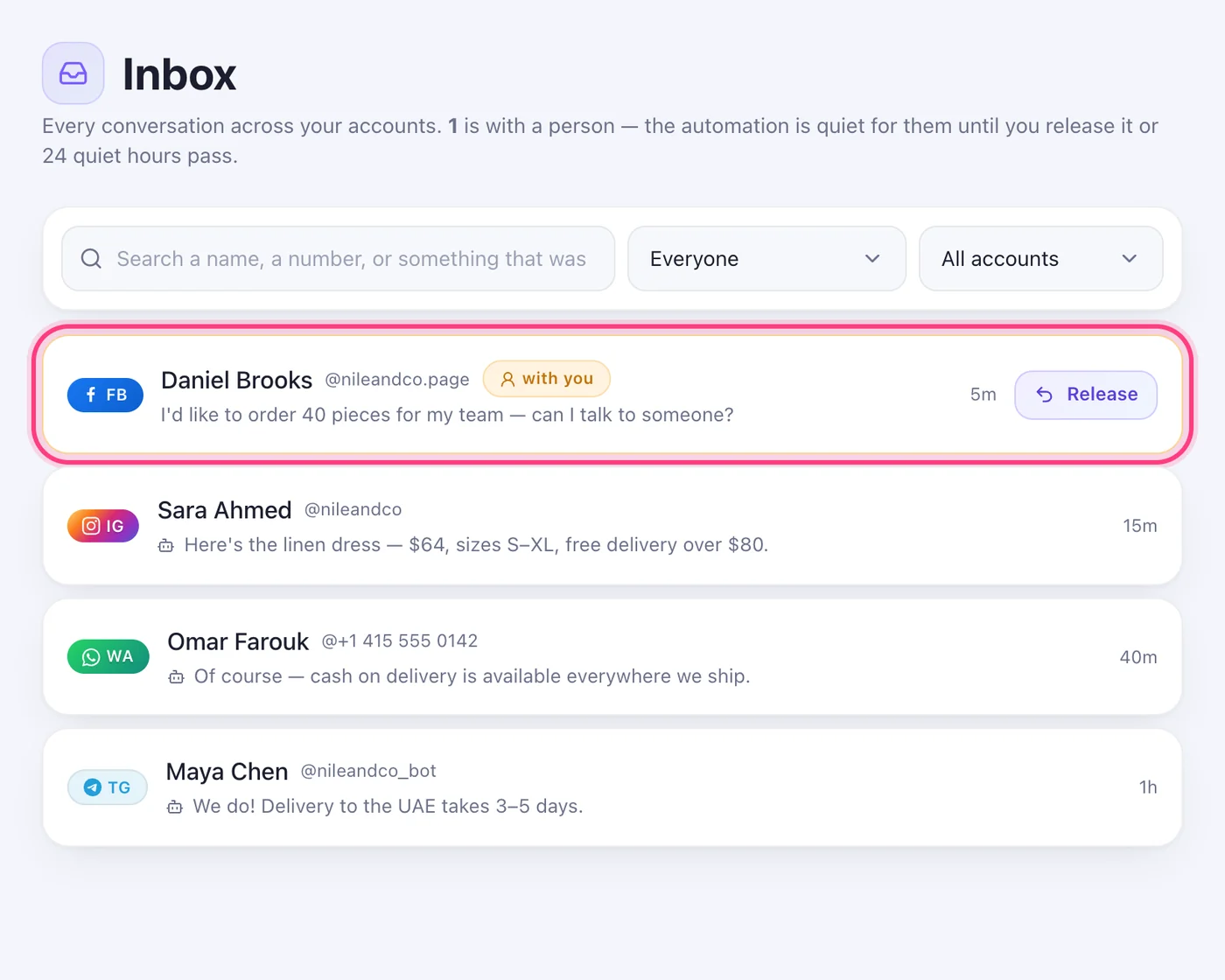
Their conversation is in the Inbox marked “with you”, and the automation stays quiet in it for 24 hours. Press “Release” to hand it back sooner.
Worth knowing
- Anything that failed is under “Not delivered” in Activity, with the reason beside it; “Resend” sends it again.
- A message no rule matches gets only your “When nothing matches” reply (Pro and above) — otherwise nothing is sent.
Was this article helpful?