
Five things, in order: an account, a channel, a rule or the AI, a test, and the reply in Activity.
Step 1
Create your account
Sign up at speedytext.app/signup. You land on your Dashboard, on the Free plan: your first 25 people are answered for real, with no card.
Step 2
Connect your first channel
Open Accounts in the menu on the left and press “Connect a channel”. Pick the channel and follow its steps — each one has its own guide. Free connects one account; WhatsApp comes with Pro and above.

Step 3
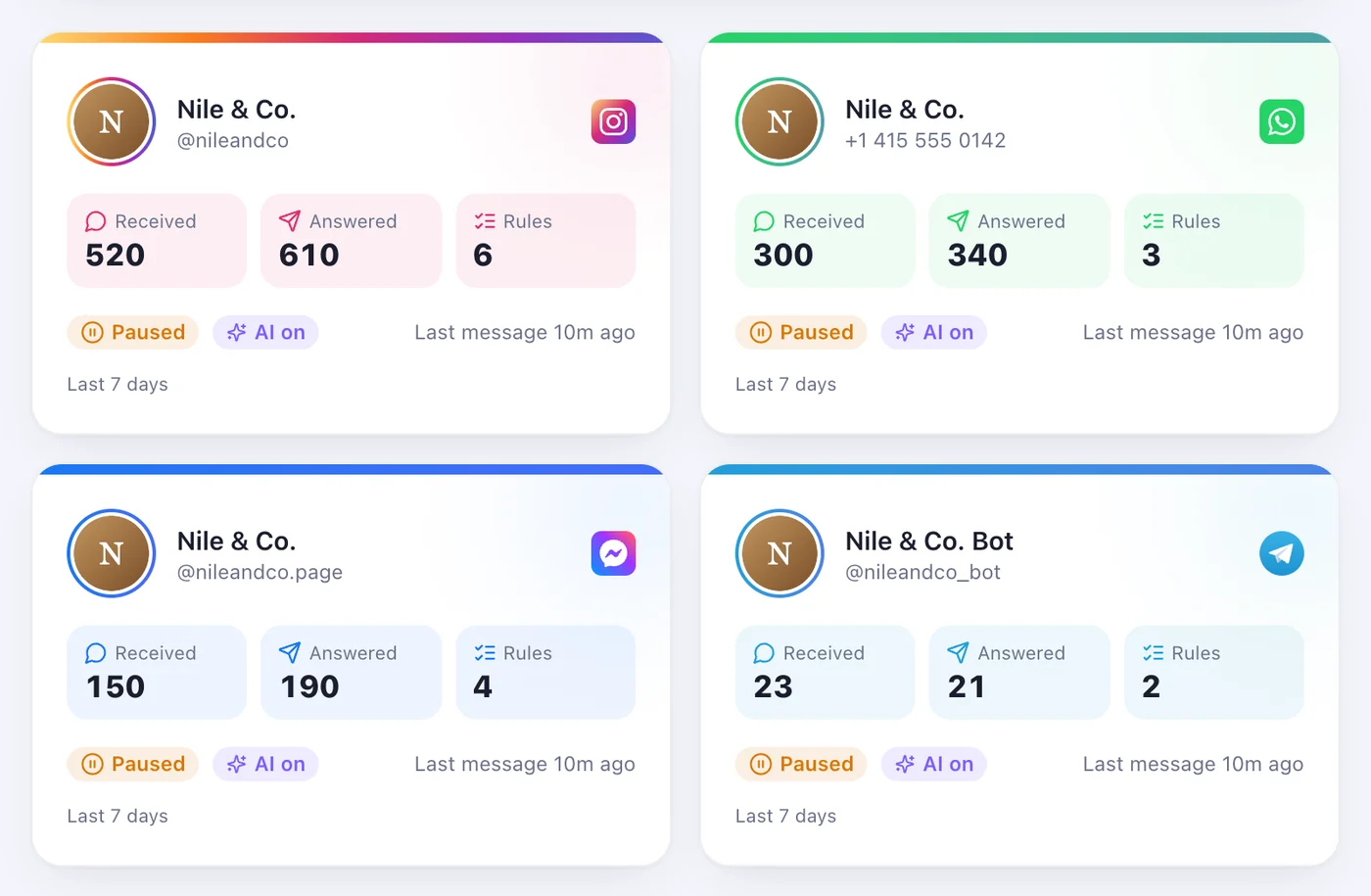
Check it says “Working”
The account appears on your Accounts page. “Working” means it is listening; “Reconnect” means it has to be connected again before it can answer.
Step 4
Write your first rule
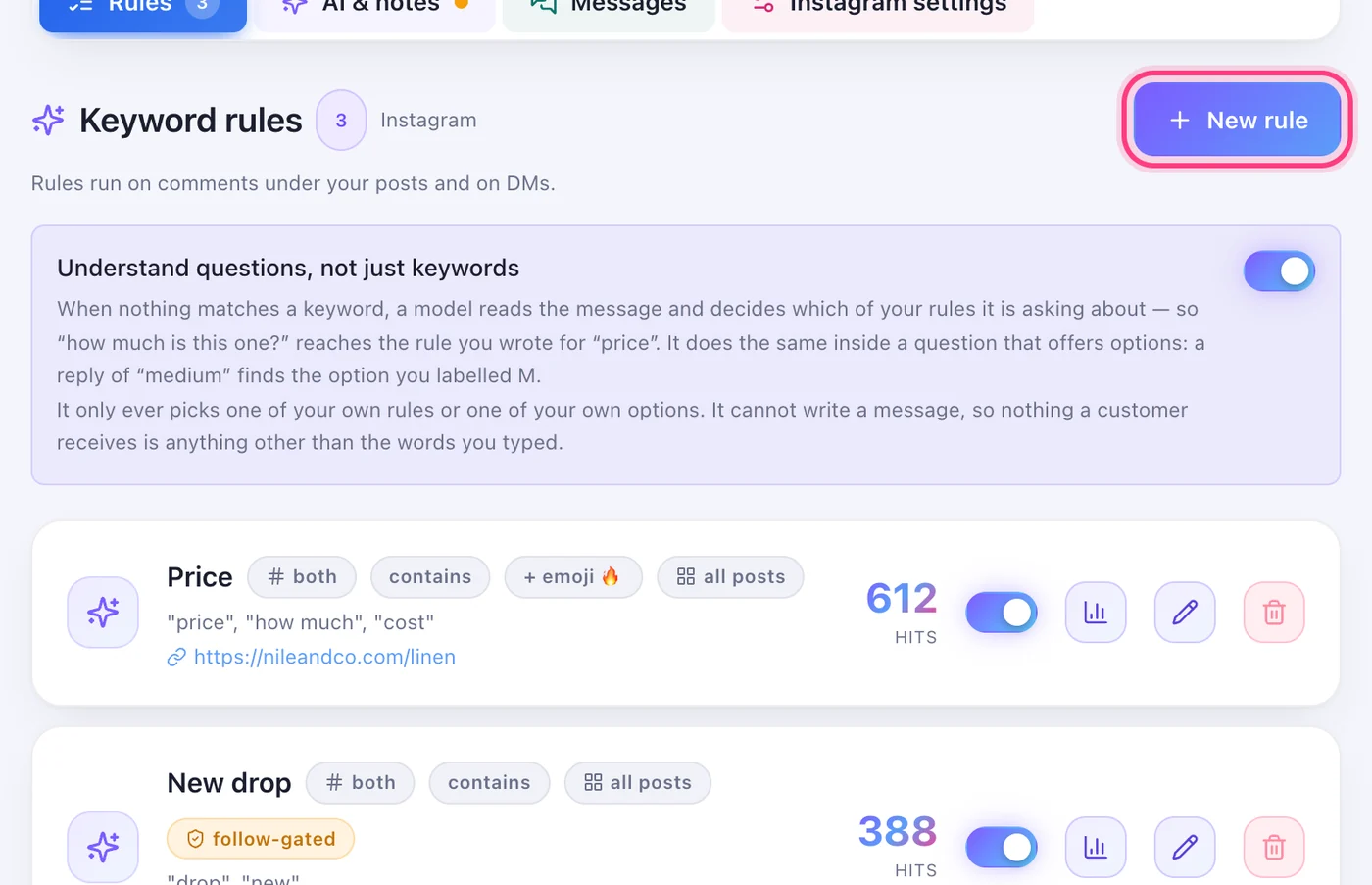
Open the account. On the Rules tab press “New rule”: the words to listen for, the public reply, the private message and its button. Then “Create rule”.
Step 5
Or let the AI answer
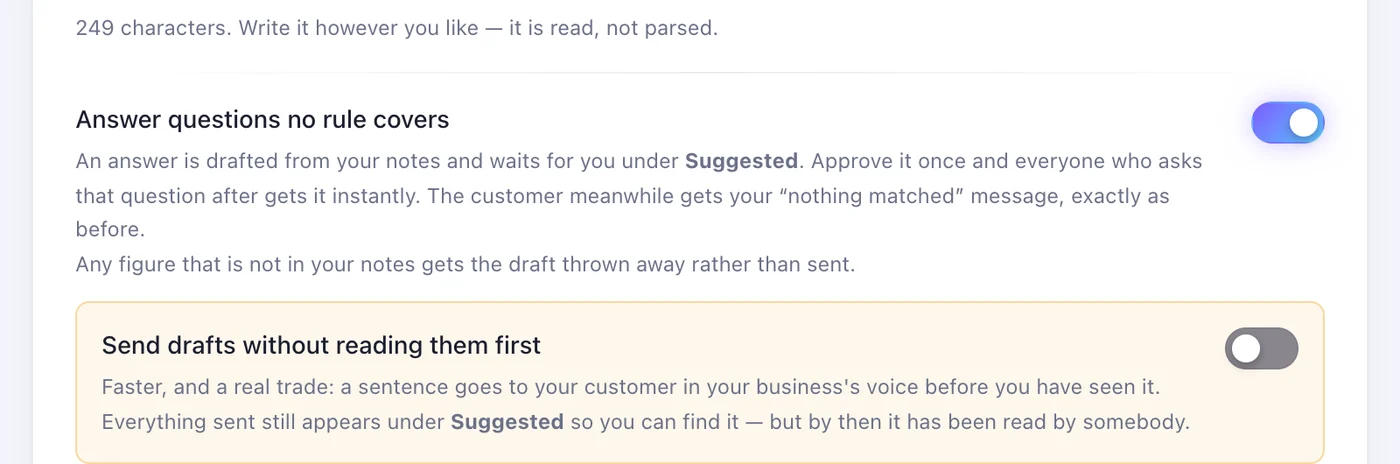
On the “AI & notes” tab, press “Answer the questions” to write your notes, then turn on “Answer questions no rule covers”. Its answers wait for you under Suggested until you also turn on “Send drafts without reading them first”. The AI comes with Speedy Text AI, on top of a paid plan.
Step 6
Test it
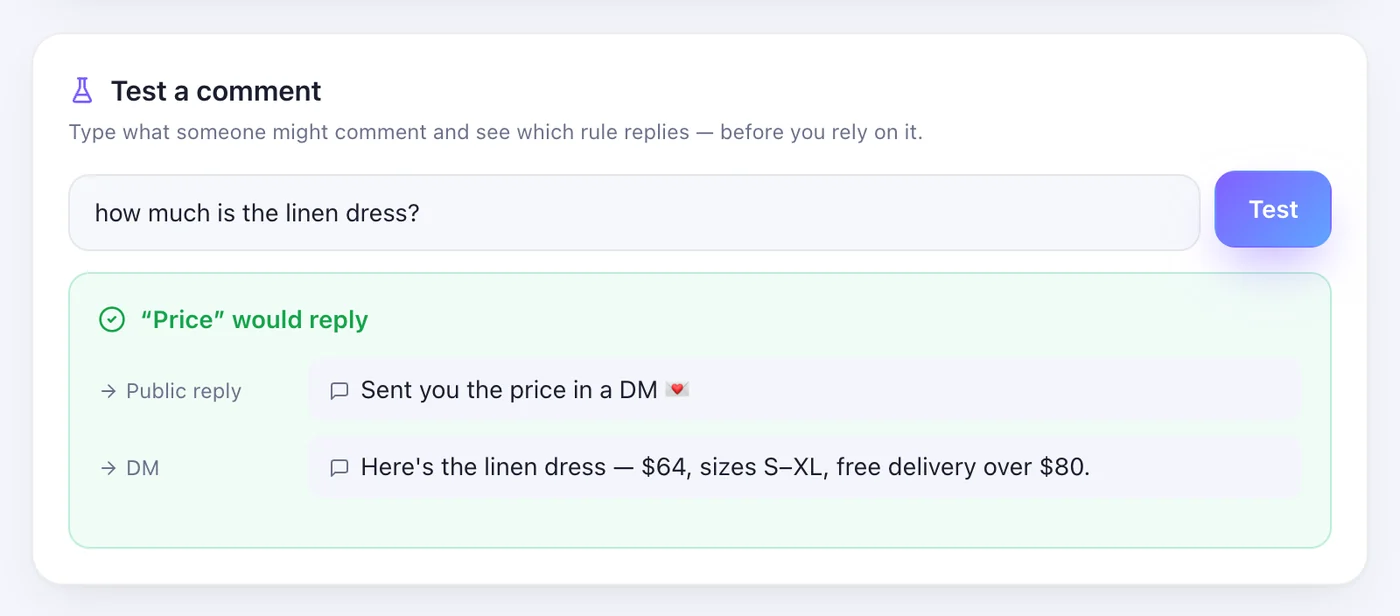
Under your rules, type a customer's comment into “Test a comment” and press “Test”: you see which rule answers and what it sends, and nothing goes out. Then try it for real from a different account — comments from your business's own account are never answered.
Step 7
See it in Activity
Activity, in the menu on the left, lists everything that came in and went out: “Messages received”, “Automatic replies”, and under “Not delivered” anything that failed, with the reason and a “Resend” button.
Worth knowing
- Each person is answered once per post. Two tests from the same account under the same post get one reply — use another post or another account.
- On Instagram, a new rule has “Require follow” on: someone who doesn't follow you is asked to follow first, and gets the link after.
Was this article helpful?